Solid cooling, a great keyboard, and realistic 1080p gaming after work
You want one laptop that feels professional for email + spreadsheets, stays comfortable to carry all day, and can still handle games at night.
The best “office-to-gaming” picks don’t chase max FPS—they balance quiet daily use, good typing, and playable 1080p settings.
Affiliate Disclosure: As an Amazon Associate, I earn from qualifying purchases.
Tip: Weight and configuration can vary by option—always confirm the listed weight/specs on the product page before buying.
The Top Picks (Quick List)
1) 15.6″ Ryzen 5 Student Laptop (16GB RAM, 512GB SSD, Radeon Vega 8)
2) NIMO 15.6″ Light Gaming Laptop — Ryzen 7 8745HS (16GB DDR5, 512GB SSD, Radeon 780M)
3) NIMO 15.6″ FHD Light Gaming Laptop — Ryzen 7 Pro 6850U (32GB LPDDR5, 1TB SSD, Radeon 680M)
4) BWPED 16″ Core i5 Laptop (24GB RAM, 1TB SSD, 16:10 1920×1200, Windows 11 Pro)
5) FUNYET 16″ Laptop — Intel N150 (16GB RAM, 1TB SSD, 1920×1200, Windows 11 Pro)
What “Office-to-Gaming” Means (Real Talk)
For this category, I’m looking for three things:
- Quiet day-to-day behavior: fans shouldn’t ramp up just because you opened 20 Chrome tabs.
- A keyboard you’ll actually enjoy: decent layout, good key travel, and ideally backlighting.
- Playable gaming expectations: esports at 1080p should feel smooth; heavier AAA games may require low settings, upscaling, or even dropping resolution.
Reviews
1) 15.6″ Ryzen 5 Student Laptop (Vega 8, 16GB/512GB)
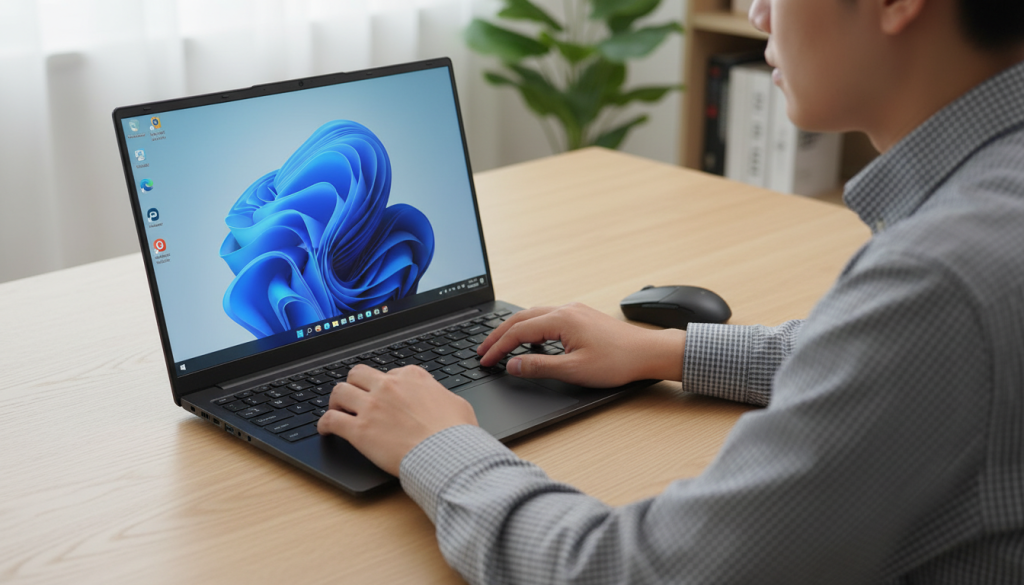
What it feels like in daily use
This is the “get work done first” laptop that can still run lighter games when you want to relax. The Vega 8 integrated graphics are fine for casual gaming, but you’ll want realistic expectations.
Standout features
- 15.6″ FHD display
- 16GB RAM is a big plus for multitasking
- 512GB SSD is fine for work + a few games
- Extras like a privacy shutter and fast charging can be genuinely useful day-to-day
Pros
- Usually quieter for office work (no dedicated GPU heat)
- Good “daily driver” feel for documents, browsing, and meetings
- Solid multitasking thanks to 16GB RAM
Cons
- Gaming is light-to-moderate, not “crank everything to High”
- 512GB can fill quickly if you install multiple large games
Who should buy it
If your priority is office + school + casual gaming, this is the practical pick.
2) NIMO 15.6″ Light Gaming — Ryzen 7 8745HS (Radeon 780M, 16GB DDR5/512GB)
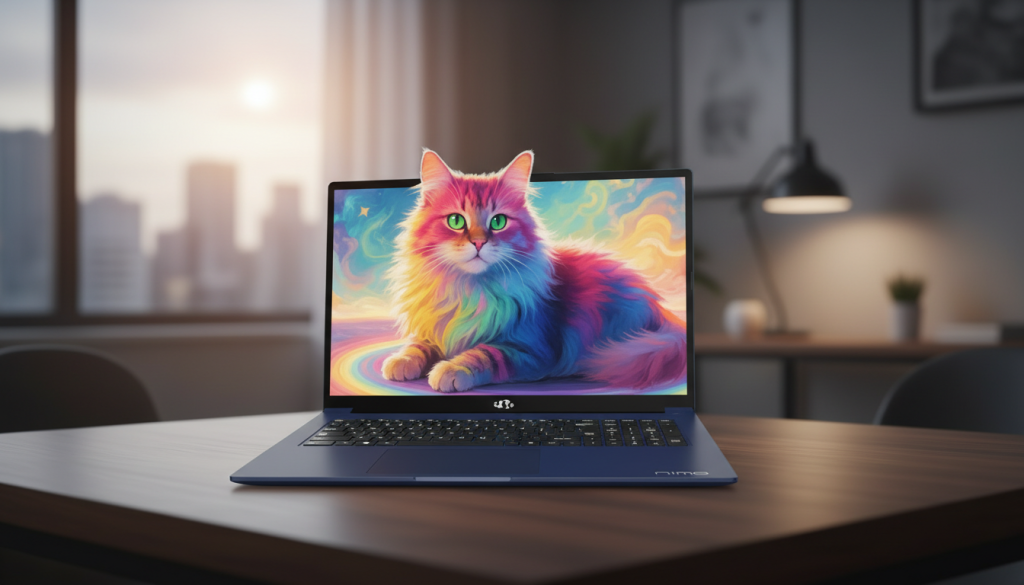
What it feels like in daily use
This is the most balanced “work all day, game at night” option here. The Radeon 780M is one of the stronger integrated graphics solutions, so you get noticeably better gaming headroom without jumping into a bulky dedicated-GPU machine.
Standout features
- Ryzen 7-class performance for smooth multitasking
- DDR5 memory (helpful for iGPU performance and overall snappiness)
- Backlit keyboard + Type-C charging can make it feel more premium in real life
- Fingerprint sign-in is a small thing that you’ll appreciate every day
Pros
- Best gaming potential in this list (for an iGPU-based laptop)
- Strong CPU for productivity and heavier multitasking
- Good “hybrid” vibe: serious enough for work, fun enough for games
Cons
- Still an iGPU: modern AAA games often need Low/Medium, upscaling, and/or FPS caps
- Thin-and-light thermals depend heavily on how the manufacturer tunes power limits
Who should buy it
If you want the best overall office-to-gaming balance, this is my top pick.
3) NIMO 15.6″ Light Gaming — Ryzen 7 Pro 6850U (Radeon 680M, 32GB/1TB)
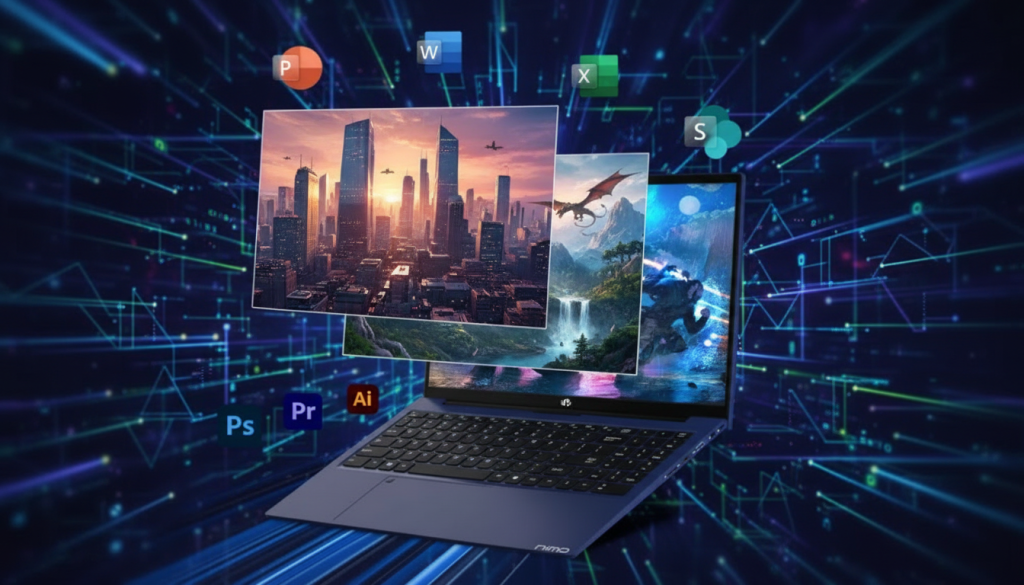
What it feels like in daily use
This is the “I live in Chrome/Excel/Slack” laptop. The big win is the RAM + storage combo. It feels smoother for multitasking long-term, and you won’t be constantly managing disk space.
Standout features
- 32GB RAM is a multitasking monster
- 1TB SSD is the right kind of future-proofing
- Radeon 680M can handle esports and lighter gaming well
- Backlit keyboard + Type-C charging adds to everyday convenience
Pros
- Best for productivity longevity (heavy tabs, apps, and multitasking)
- Plenty of storage for work files and a game library
- Great fit for “work-first” users who still want gaming on the side
Cons
- 680M is strong, but generally not as punchy as 780M for gaming
- LPDDR memory is often not upgradeable (so buy the config you want up front)
Who should buy it
If your workday is heavy multitasking and gaming is occasional, this is the smartest long-term choice.
4) BWPED 16″ Core i5 (24GB/1TB, 16:10 1920×1200)
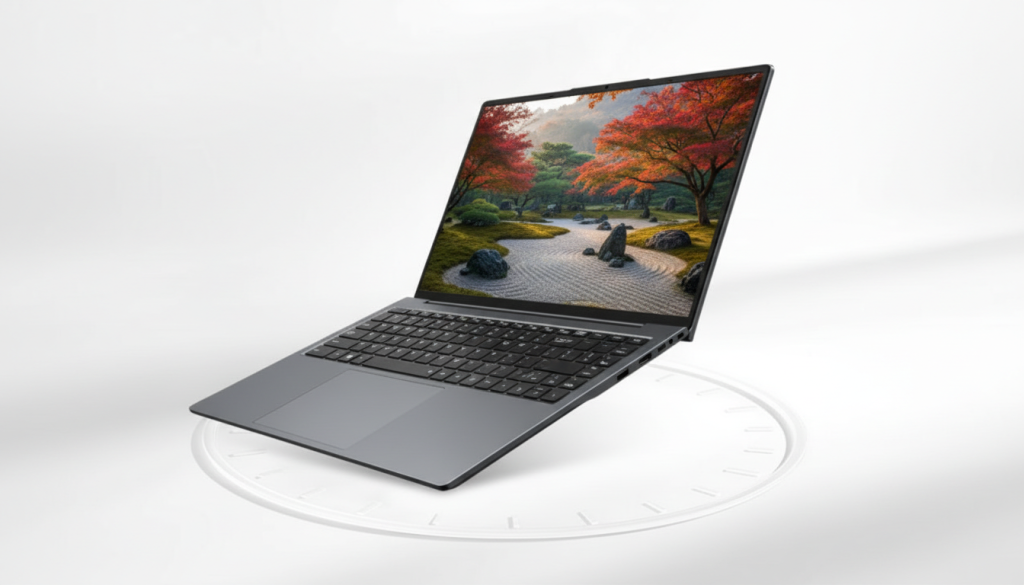
What it feels like in daily use
This one is all about productivity comfort. A 16:10 display is underrated—more vertical space makes email, documents, and spreadsheets feel less cramped.
Standout features
- 16″ 16:10 screen (more usable space than standard 16:9)
- 24GB RAM is excellent for office multitasking
- 1TB SSD helps it stay fast and roomy over time
- Ports like HDMI and RJ45 can be a real advantage in office setups
Pros
- Best screen shape here for getting work done
- Great multitasking headroom with high RAM
- Practical port selection for meetings, presentations, and stable connectivity
Cons
- Unless it has a dedicated GPU (often not in this class), gaming will be limited
- For smoother play, you may need to run games at 1080p (or lower) and use low settings
Who should buy it
If you care most about work comfort + ports and only game occasionally, this is a strong office-first pick.
5) FUNYET 16″ Intel N150 (16GB/1TB, 1920×1200)
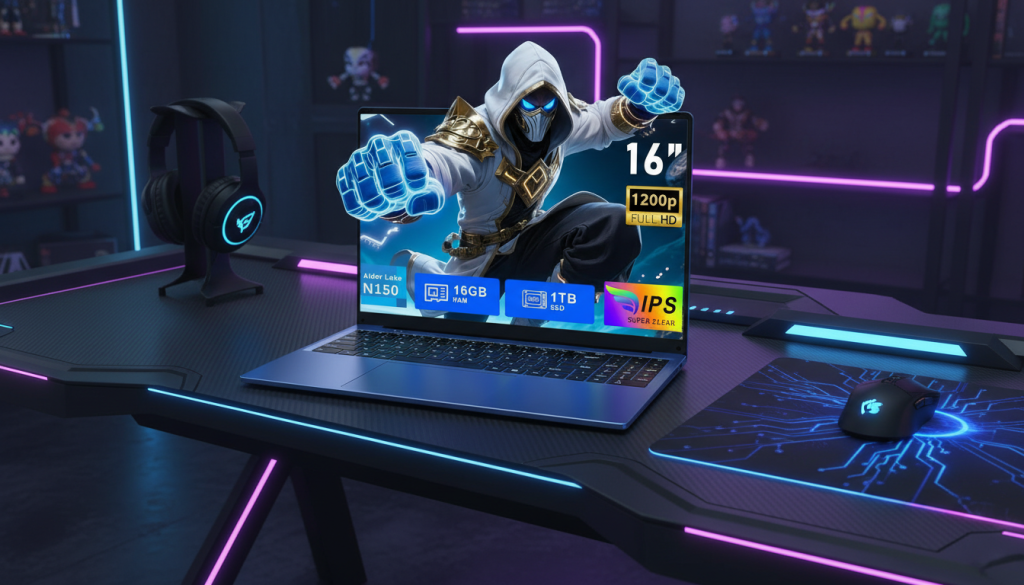
What it feels like in daily use
This is a basic productivity machine with generous storage. It’s fine for everyday tasks, but it’s the weakest match for “office-to-gaming” if gaming is a real priority.
Standout features
- 16″ 16:10 display
- 1TB SSD is great for files and media
- Backlit keyboard is a nice touch for late-night work
Pros
- Big storage is genuinely useful
- 16:10 screen is pleasant for browsing and documents
- Works well for light office workflows
Cons
- CPU/GPU class suggests very limited gaming performance
- If you buy it for gaming, you’ll likely feel capped quickly
Who should buy it
If your focus is basic office + streaming + light apps, and gaming is only occasional indie/older titles.
Which One Should You Get?
✅ Best Overall Lightweight Office-to-Gaming Pick
NIMO 15.6″ Ryzen 7 8745HS (Radeon 780M)
It’s the best blend of productivity performance, everyday comfort features, and the strongest gaming potential in this group—without turning into a bulky “full gaming” laptop.
✅ Best for Heavy Office Multitasking + Storage
NIMO 15.6″ Ryzen 7 Pro 6850U (32GB/1TB)
If you hate slowdowns from too many tabs/apps and want a setup that stays smooth for years, this one just makes life easier.
✅ Best for Office Comfort (Screen + Ports)
BWPED 16″ 16:10 (24GB/1TB)
If you live in docs/spreadsheets and want a more comfortable workspace, 16:10 is a quality-of-life upgrade.
⚠️ Best “Work-first with Light Gaming” Value
15.6″ Ryzen 5 (Vega 8, 16GB/512GB)
Good for everyday work and casual gaming—just don’t buy it expecting modern AAA at high settings.
❌ Least Recommended for Gaming
FUNYET 16″ Intel N150
Fine for basic use, but the gaming ceiling is low.
Honest “Real User” Notes (What I’d Actually Do)
- For quiet office hours, I’d keep the laptop in Balanced/Silent mode, cap background apps, and avoid “Performance” profiles unless plugged in.
- For gaming, I’d rather play at stable FPS than chase max settings: lower shadows, cap FPS, and use upscaling when available.
- If a listing doesn’t clearly mention a dedicated GPU, I assume it’s an integrated-graphics experience and set expectations accordingly.
Quick Buying Checklist (SEO-friendly and useful)
- Keyboard: backlit + comfortable layout (you’ll feel this daily)
- RAM: 16GB minimum; more is better if you multitask heavily
- Storage: 1TB is ideal if you install multiple games
- Gaming expectations: esports at 1080p is realistic; heavy AAA may need Low settings or lower resolution
- Weight: confirm it’s under the limit on the product page (variants can differ)