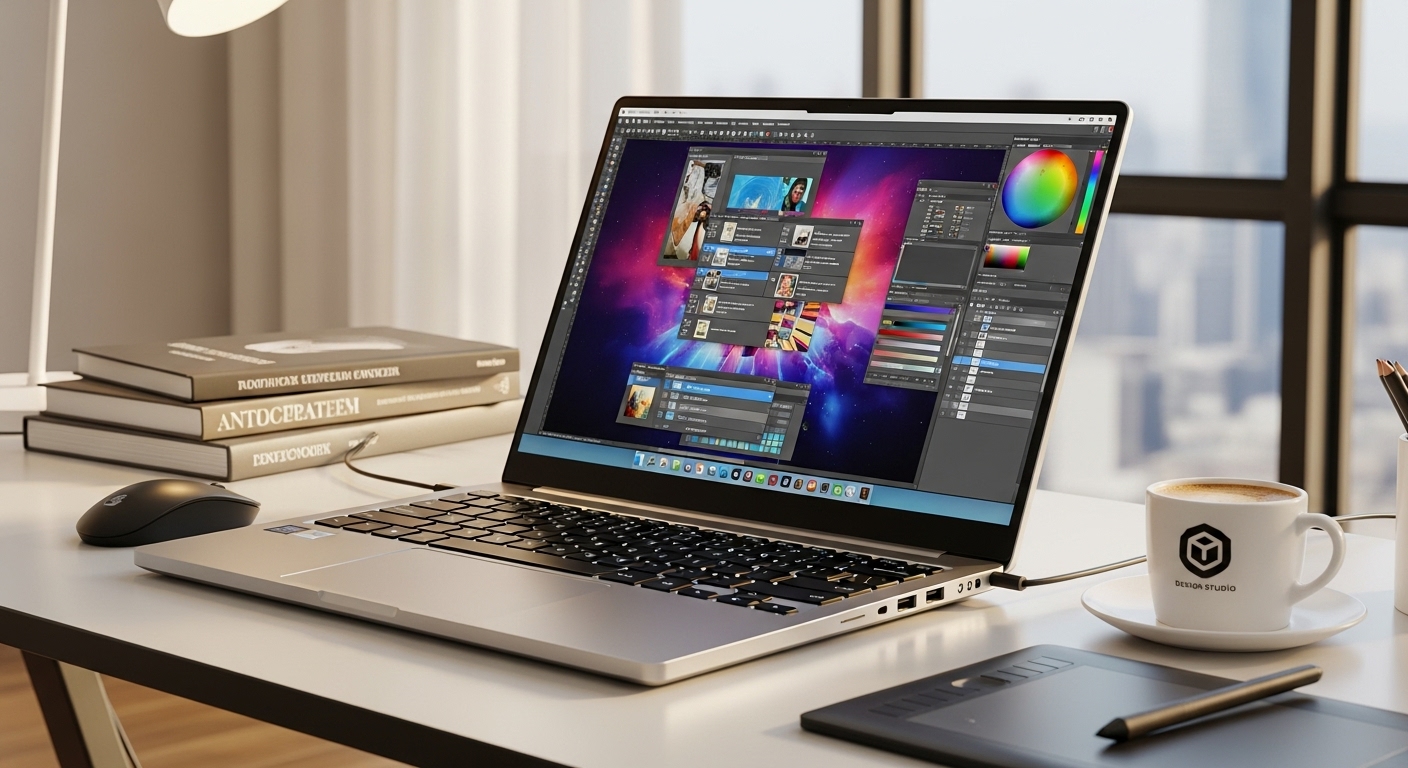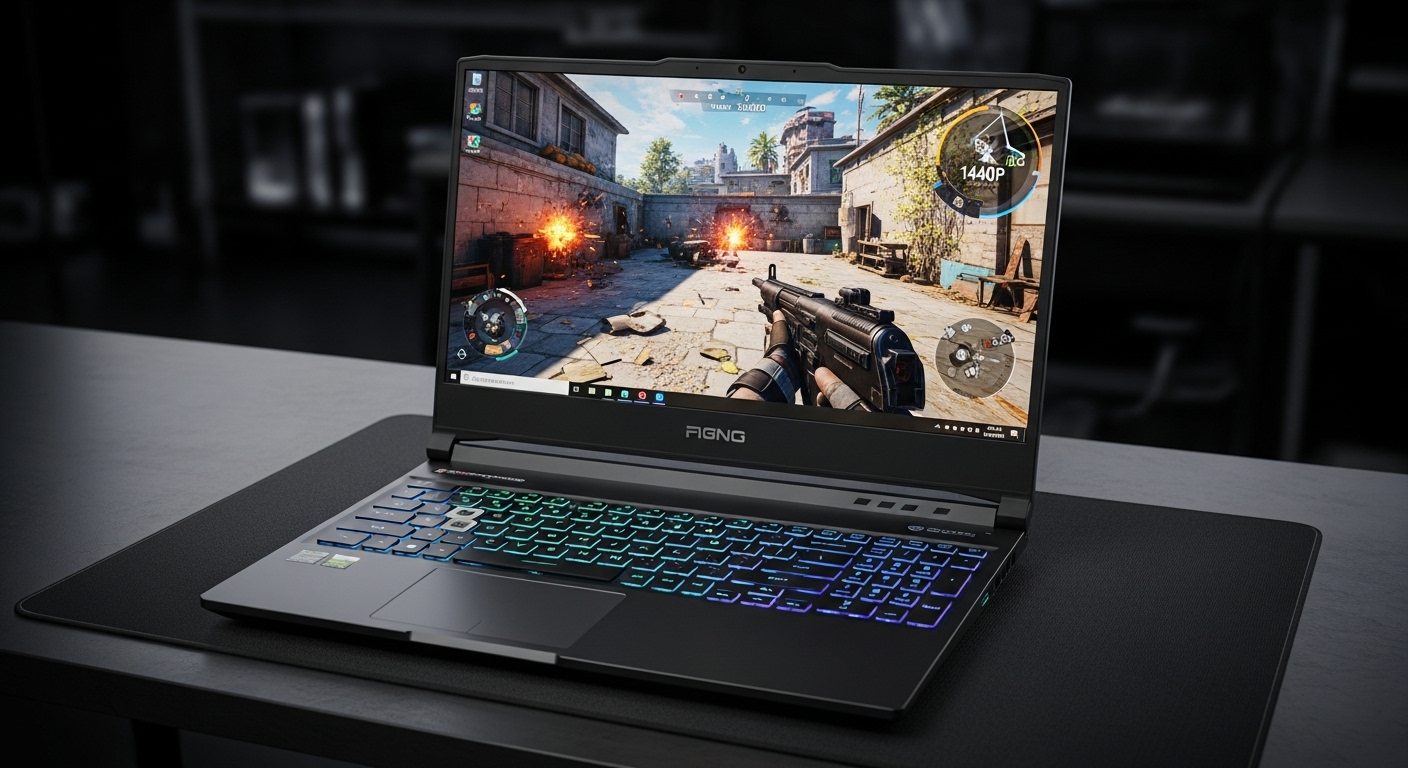
If you split your week between spreadsheets, meetings, and a few hours of gaming (or creative work) at night, your setup matters more than raw specs.
I’ve tried both approaches—a dedicated gaming laptop and a work laptop paired with an external GPU (eGPU)—and the “best” option depends on how often you move, how sensitive you are to fan noise, and whether you want a clean one-cable desk setup.
What Hybrid Users Actually Need (Not Just “More Power”)
Most hybrid users care about:
- A comfortable daily laptop (keyboard, trackpad, screen, weight)
- Quiet productivity (fan noise in meetings is a deal-breaker)
- Fast “dock and go” (plug in once, everything works)
- Predictable gaming performance when you finally have time to play
The two setups solve these goals in very different ways.
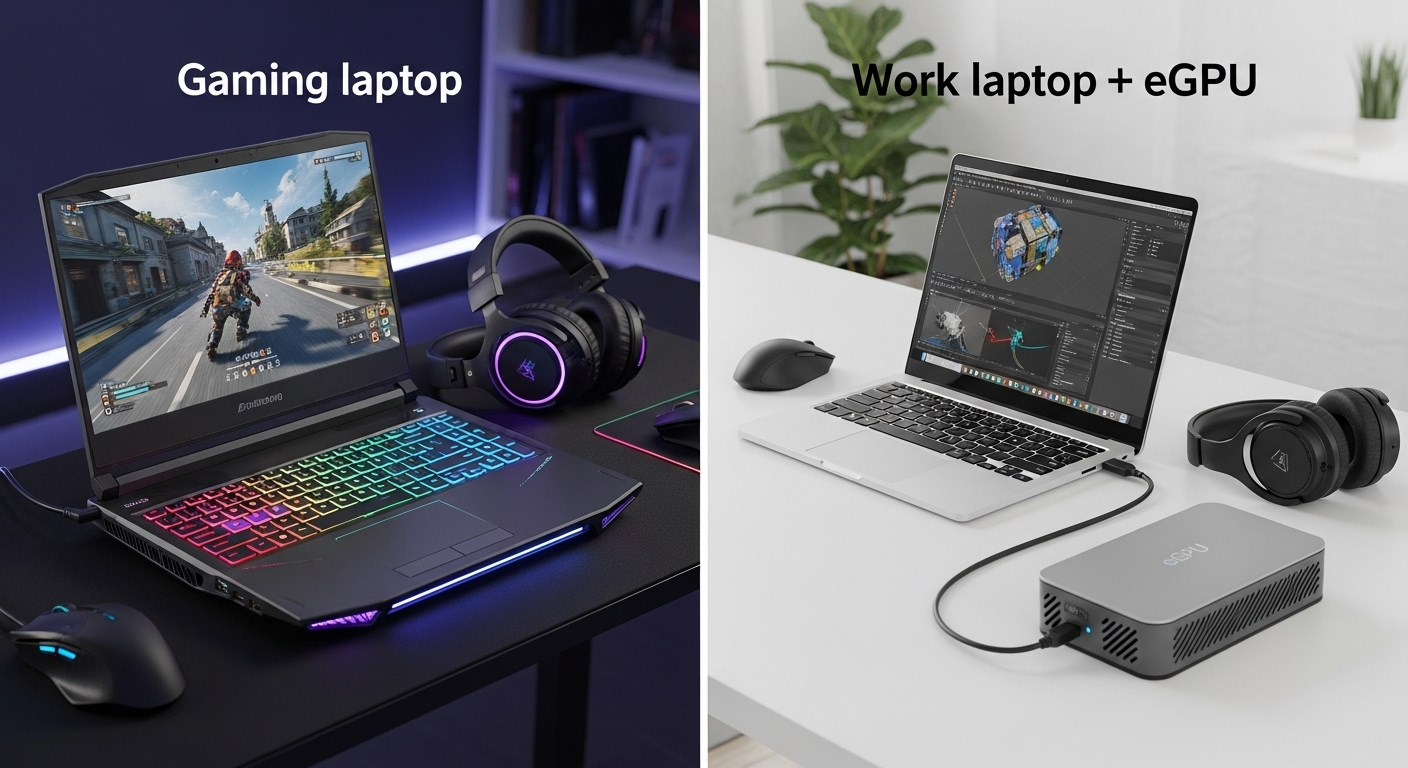
Option A: A Dedicated Gaming Laptop
What it’s like in real life
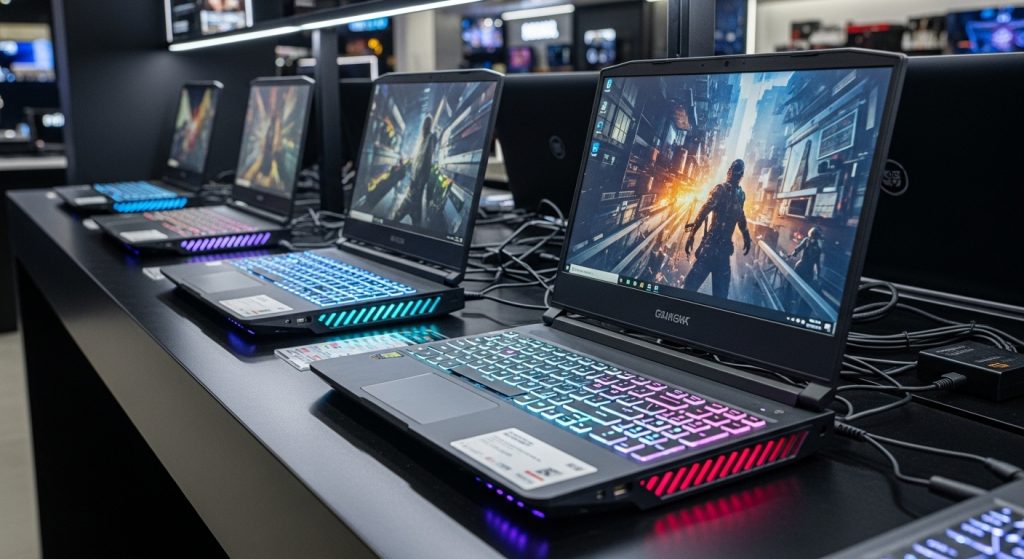
A gaming laptop is the simplest idea: one device does it all. In practice, it’s a trade-off. You get strong performance anywhere, but you also accept that the machine is built around heat and power.
Pros
- All-in-one convenience: one device, one charger, no extra box.
- Gaming anywhere: hotel, friend’s house, living room—performance is portable.
- Fewer “compatibility surprises”: no extra drivers or external connection quirks.
- Better value at equal performance (often): you pay once for the laptop and you’re done.
Cons
- Fan noise & heat are real: even when you’re not gaming, some models ramp fans during updates, exports, or heavy multitasking.
- Battery gaming is limited: unplugged gaming is usually short-lived, and performance often drops on battery.
- Heavier daily carry: if you commute, that weight adds up.
- Upgradability is limited: you’re mostly locked into the GPU and display you bought.
Who this suits best
- You move locations often and want consistent performance everywhere.
- You prefer simple, one-device ownership.
- You game frequently enough that you don’t want to “dock” just to play.
Option B: Work Laptop + eGPU (External GPU)
What it’s like in real life
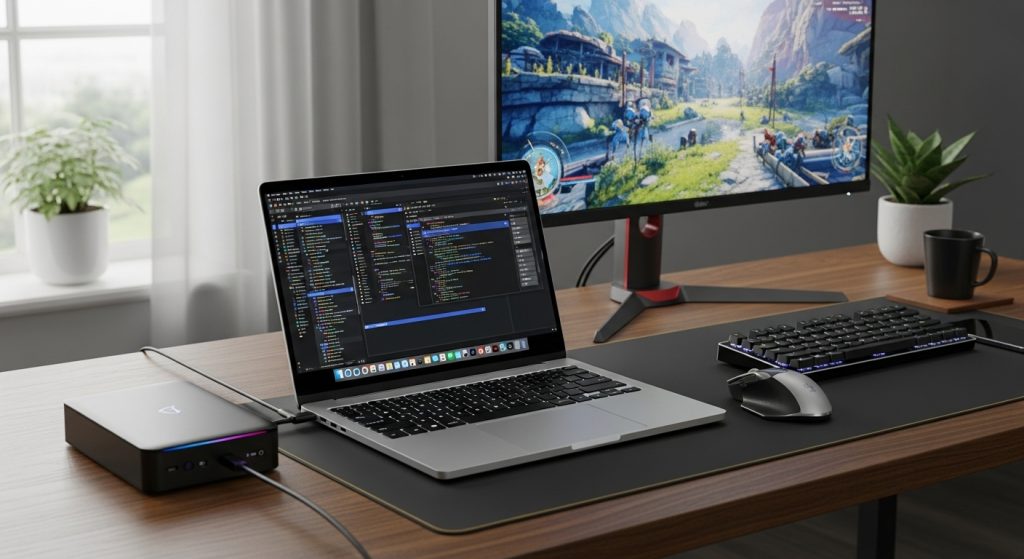
This setup is basically “two modes”:
- Portable mode: slim, quiet work laptop for daily life
- Desk mode: one cable to an eGPU that turns your setup into a gaming/creator workstation
When it works well, it’s amazing. When it doesn’t, you’ll spend time troubleshooting drivers, power states, or sleep/wake behavior.
Pros
- Best daily laptop experience: you can choose a truly quiet, lightweight work machine.
- Quiet meetings and travel: no gaming chassis, no bulky cooling design.
- One-cable desk life (sometimes): connect eGPU + external monitor + peripherals in one go (depends on port support).
- Upgradable GPU at the desk: you can swap the GPU later without replacing the whole laptop.
- Better ergonomics at home: most eGPU users naturally end up with a real monitor and keyboard—great for productivity too.
Cons
- Performance overhead: eGPUs usually lose performance vs the same GPU inside a desktop because of connection bandwidth/latency. You often feel it most in high-FPS or competitive games.
- Not truly portable gaming: you’re basically committing to gaming at your desk.
- Compatibility can be finicky: ports matter (Thunderbolt/USB4), firmware matters, and not every laptop plays nicely.
- More parts, more points of failure: cables, enclosure, PSU, drivers, OS updates.
- Cost can creep up: laptop + enclosure + GPU + maybe extra docking accessories.
Who this suits best
- You mostly work on the go but game at one main desk.
- You want a quiet, lightweight laptop all day, then “plug in and transform” at night.
- You’re okay with minor tinkering and keeping drivers stable.
Head-to-Head Comparison (What Matters Most)
1) Daily Comfort & Noise
- Work laptop + eGPU wins for daily life: lighter, quieter, more “professional.”
- Gaming laptop can be fine, but it’s harder to guarantee quiet behavior.
2) Gaming Performance Consistency
- Gaming laptop wins for consistency everywhere.
- eGPU can be great at the desk, but performance varies and you may lose FPS compared to an internal GPU in some scenarios.
3) Portability
- Gaming laptop wins if you want to game away from your desk.
- eGPU is basically “desktop gaming at home,” laptop elsewhere.
4) Setup Simplicity
- Gaming laptop wins: fewer variables, fewer surprises.
- eGPU is more complex, especially if you expect flawless sleep/wake and plug-and-play every time.
5) Long-Term Value / Upgrades
- eGPU wins if you plan to upgrade GPUs over time and keep the same laptop.
- Gaming laptop upgrades often mean replacing the whole machine.
Common “Real User” Scenarios (Quick Decision Guide)
Choose a gaming laptop if:
- You game in multiple places (home + travel + friend’s house).
- You don’t want to troubleshoot drivers or docking quirks.
- You want one purchase, one device, and predictable results.
Choose a work laptop + eGPU if:
- You spend most of your day on battery doing office tasks.
- You care about a quiet, lightweight laptop more than portable gaming.
- You game (or edit video) mostly at one desk and want a clean “plug in and go” station.
The Optimal Choice (My Recommendation for Most Hybrid Users)
For most hybrid users, the best overall setup is:
✅ Work Laptop + eGPU — IF you mainly game at one desk
Because it delivers the best everyday experience: quieter meetings, easier commuting, and a “work device” that feels genuinely premium. When you dock at night, you get the performance boost where you actually use it.
✅ Gaming Laptop — IF you want gaming anywhere with zero fuss
If you game in different places or hate troubleshooting, a gaming laptop is the more reliable, lower-friction choice. It’s the “it just works” option.
My Practical Rule of Thumb
- If 70–80% of your gaming happens at the same desk → Work laptop + eGPU
- If you often game away from your main setup → Gaming laptop
SEO-Friendly FAQ (Short + Useful)
Is an eGPU worth it for gaming?
Worth it if you game mostly at a desk and want a lightweight laptop daily. If you want max FPS per dollar and simplicity, a gaming laptop (or desktop) is usually better.
Does eGPU feel like a desktop?
Close, but not identical. There can be performance overhead, and behavior depends on ports/drivers.
Which is quieter for office work?
Usually the work laptop + eGPU setup, because your daily machine isn’t built around high-wattage gaming thermals.