Is the jump worth it for 1080p and 1440p? (Real-world comparison)
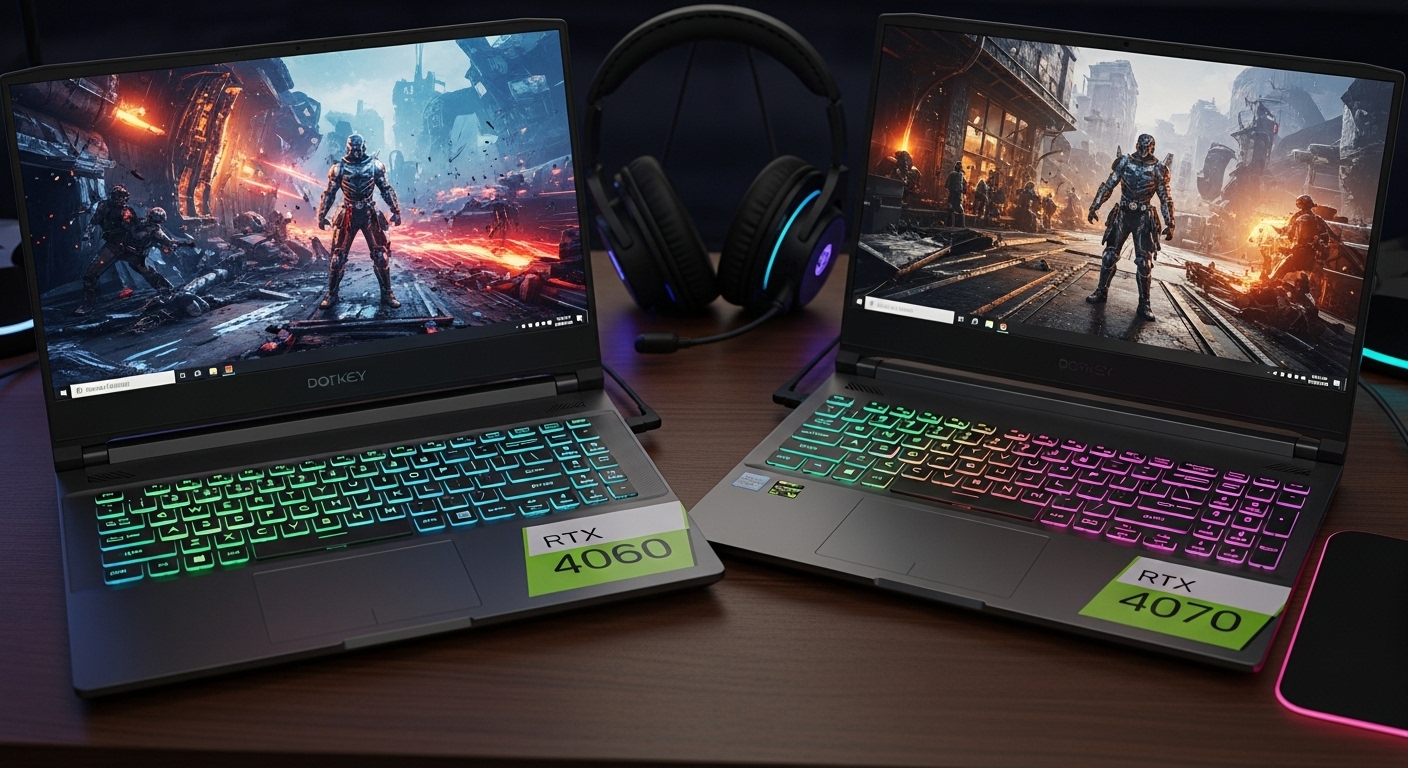
If you’re choosing between RTX 4060 and RTX 4070 gaming laptops, the answer is rarely “always get the 4070.” Laptop GPUs vary a lot by power limits, cooling, and the screen you’re pairing them with. In some laptops, a well-tuned 4060 can feel surprisingly close to a weaker 4070—while a strong 4070 can be a real upgrade at 1440p.
This guide breaks it down in plain language so you can decide without chasing spec-sheet hype.
The Key Thing People Miss: Laptop GPUs Aren’t One Size
On desktops, 4070 usually means a predictable uplift. On laptops, performance depends heavily on:
- GPU wattage (TGP): higher power limits generally perform better
- Cooling design: throttling can erase the advantage of the “bigger” GPU
- CPU pairing: weak CPU can bottleneck high-FPS 1080p gaming
- Screen resolution & refresh: the display determines whether extra GPU power is noticeable
So don’t compare “4060 vs 4070” in isolation—compare the entire laptop.
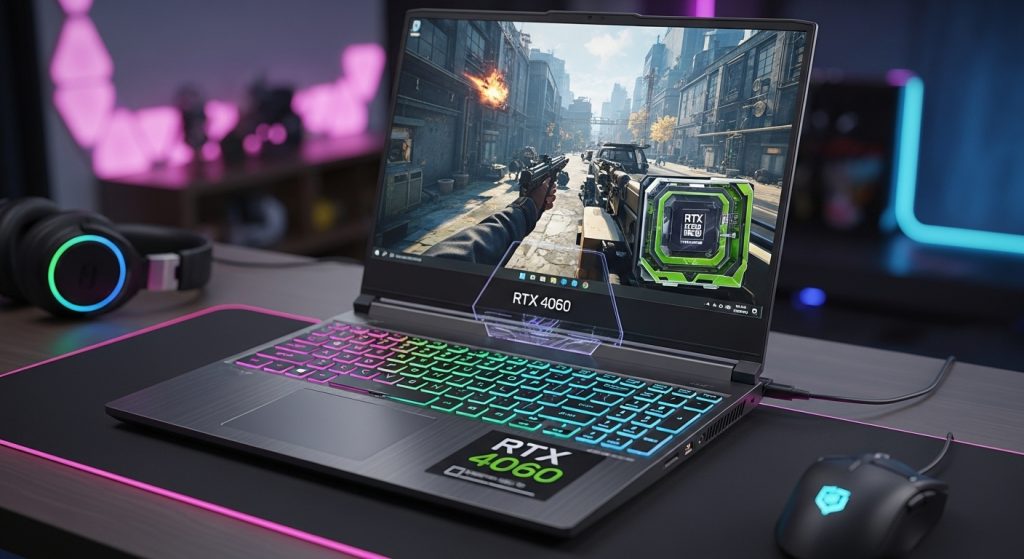
What You Get With RTX 4060 Laptops (Real-world feel)
Strengths
- Best value tier for 1080p gaming: High settings in many games with smooth performance.
- Great match for high-refresh 1080p screens: If you play esports, you’ll often be CPU-limited anyway.
- Typically cooler/quieter than higher tiers: Not always, but often easier to manage.
- DLSS helps a ton: Upscaling can make 4060 feel “bigger” than it is in demanding titles.
Trade-offs
- 1440p can be hit-or-miss at high settings: You can do 1440p, but you’ll rely on DLSS/optimized settings more often.
- Less future headroom: Newer AAA games keep getting heavier.
- VRAM constraints show up sooner: You may need texture tweaks sooner than with higher tiers.
Best for
- Competitive/esports players at 1080p
- Most gamers who want the best performance-per-dollar
- People who want solid gaming without the loudest fans
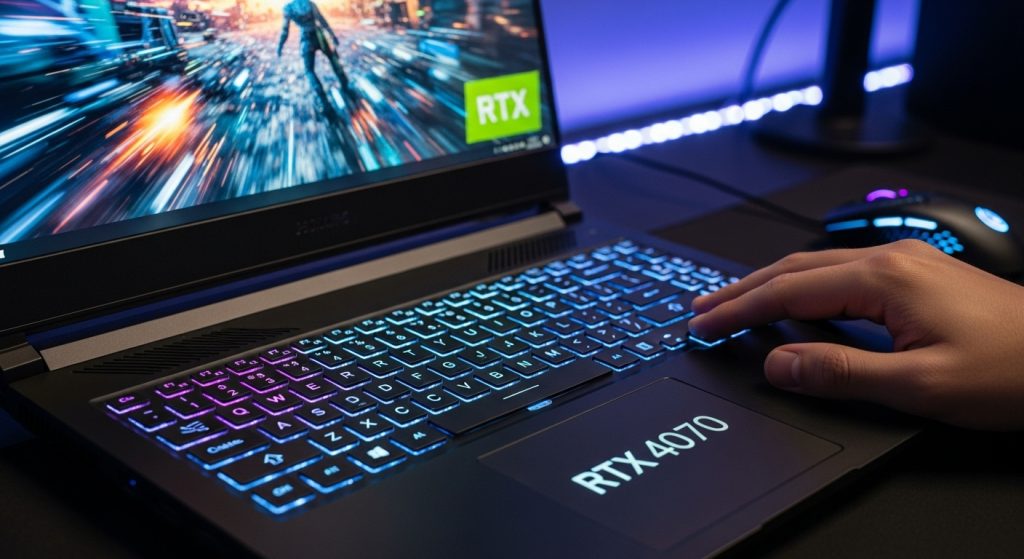
What You Get With RTX 4070 Laptops (Real-world feel)
Strengths
- More comfortable 1440p gaming: Higher settings feel more sustainable with fewer compromises.
- Better “high settings without fiddling”: You’ll drop settings less often.
- Higher FPS in GPU-heavy games: Especially where 4060 starts to struggle.
- More long-term headroom: If you keep laptops 3–5 years, this matters.
Trade-offs
- You pay more, but not always for big gains: Some 4070 laptops are limited by wattage or cooling.
- At 1080p esports, you may not feel it: Many shooters become CPU-bound and the difference shrinks.
- Potentially more heat/noise: More power can mean more fan noise unless the laptop is well designed.
Best for
- 1440p gamers who want higher settings with fewer compromises
- People who play heavier AAA games a lot
- Users who keep laptops longer and want extra headroom
1080p: Is RTX 4070 Worth It?
Usually: only sometimes
At 1080p, many games become limited by CPU rather than GPU—especially competitive titles aiming for high FPS. If you’re on a 1080p 144Hz/165Hz panel and you mainly play esports (Valorant, CS, Fortnite competitive settings), the jump to 4070 often feels smaller than you expect.
When the 4070 is worth it at 1080p
- You play visually heavy AAA games and want High/Ultra without drops
- You care about better 1% lows (smoother feel, fewer stutters) in demanding games
- The laptop’s 4070 version also comes with better cooling and isn’t power-limited
When the 4060 is the smarter choice at 1080p
- You mostly play esports
- You want the best value
- You’d rather spend the budget on a better screen, more RAM/SSD, or a quieter chassis
1440p: Is RTX 4070 Worth It?
Often: yes, if you truly play at 1440p
1440p increases GPU load a lot. This is where extra GPU power becomes more noticeable. A 4070 laptop generally gives you:
- Higher average FPS
- More room for high settings
- Less dependence on dropping resolution
When the 4070 is worth it at 1440p
- You want high settings without constant tweaking
- You play modern AAA titles regularly
- Your laptop has a QHD/QHD+ screen and you want to actually use it
When the 4060 can still be enough at 1440p
- You’re happy using DLSS and sensible settings (Medium/High mix)
- You prefer stable 60–90 FPS rather than maxing settings
- You mainly play esports (which are lighter and scale well)
The Hidden Decision: Screen + Cooling Matter More Than the Name
Two practical rules I use:
Rule 1: Match the GPU to the screen
- 1080p 144/165Hz: RTX 4060 is usually the sweet spot
- 1440p 165Hz (or 1600p 240Hz): RTX 4070 makes more sense if you want high settings
Rule 2: A strong 4060 laptop can beat a weak 4070 laptop
If the 4070 model is in a thinner chassis with lower power limits or weaker cooling, the advantage can shrink dramatically. Always look for signs of good sustained performance:
- Strong cooling design (vents, thicker chassis, known gaming line)
- Performance modes that hold clocks without constant throttling
- Stable FPS in longer sessions (not just short benchmarks)
What I’d Choose (Optimal Pick)
✅ If you game mostly at 1080p: RTX 4060 is usually the optimal choice
It hits the best value point. You can still get excellent performance, and the money saved often buys more “real life” upgrades:
- Better screen
- More RAM/SSD
- Better build/cooling
- Less fan noise
✅ If you game at 1440p and want high settings: RTX 4070 is usually worth it
It reduces compromises and gives you more long-term headroom—especially in modern AAA games.
Quick Decision Checklist (fast)
Choose RTX 4060 if:
- You play mostly esports at 1080p
- You want the best value
- You care about quieter daily use
Choose RTX 4070 if:
- You have a 1440p/1600p screen and want to use it
- You play AAA games often at high settings
- You keep laptops longer and want more headroom
Final “Real User” Advice
If the price jump to 4070 forces you to downgrade the laptop’s screen quality, RAM/SSD, or buy a model with weaker cooling, I’d take the better overall 4060 laptop every time.
But if you’re truly gaming at 1440p and the 4070 model is well-cooled and not power-limited, the upgrade can feel genuinely worth it.