Smooth timeline playback, fast exports, and displays you can actually trust
If your Creative Cloud workflow includes even a little Premiere Pro or After Effects, the “wrong” laptop shows up fast—dropped frames on the timeline, noisy fans, and exports that take forever.
These picks focus on what you feel day to day: responsiveness while editing, stable performance under load, and screen quality for real creative work.
Affiliate Disclosure: As an Amazon Associate, I earn from qualifying purchases.
What matters most for Adobe Creative Cloud (quick checklist)
- Timeline playback (Premiere/AE): GPU + CPU + enough RAM. Playback gets better when the system can sustain boost without overheating.
- Export speed: often CPU + GPU acceleration + thermals (a strong laptop that throttles can export like a weaker one).
- Display accuracy: look for good color coverage and consistent brightness—then calibrate if color matters (branding/print/client work).
- Storage: SSD speed and capacity matter for cache, previews, and large project files.
Top Picks
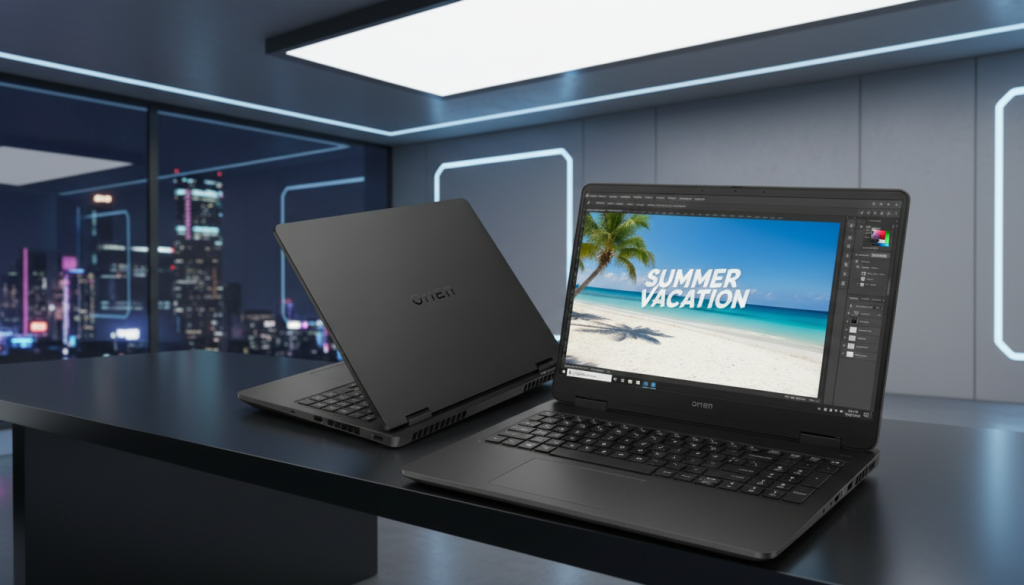
- HP Omen 16.1″ (Ryzen 9 8940HX, RTX 5070, 64GB RAM, 2TB SSD, WQXGA 240Hz)
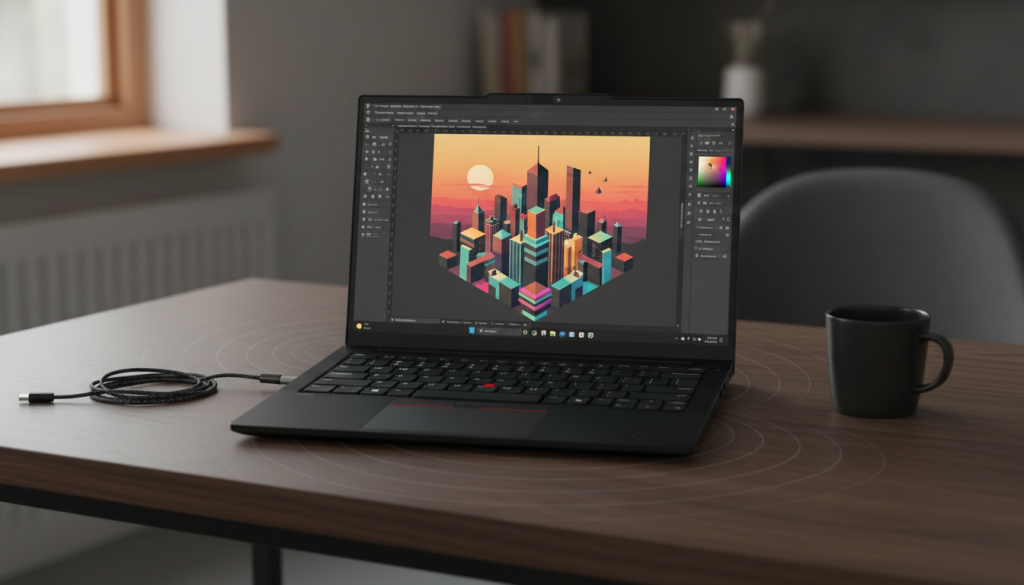
- Lenovo ThinkPad E14 Gen 7 (Core 7 240H, 16GB RAM, 512GB SSD, 14″ FHD+ Touch)
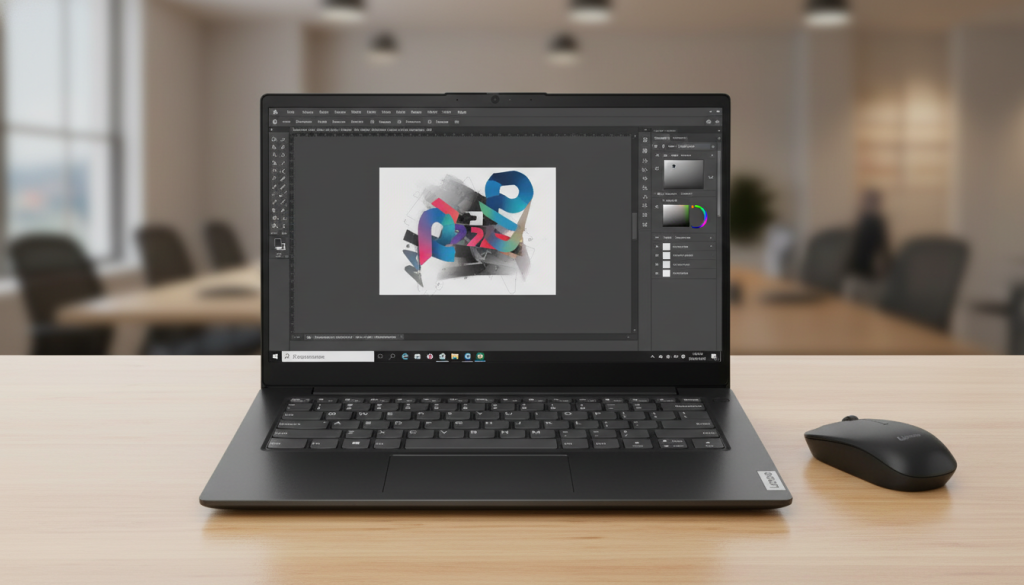
- Lenovo V14 G4 (i7-13620H, 16GB RAM, 1TB SSD, 14″ FHD)
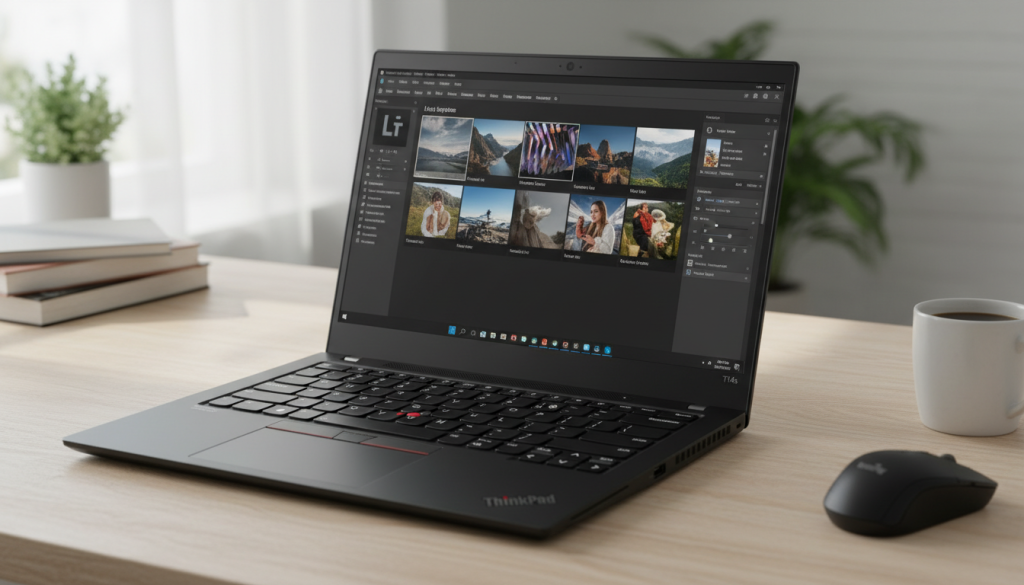
- Lenovo ThinkPad T14s Gen 2 (i7-1185G7, 32GB RAM, 512GB SSD, 14″ FHD, Renewed)
Individual Reviews
1) HP Omen 16.1″ — Ryzen 9 8940HX + RTX 5070, 64GB/2TB, WQXGA 240Hz
Who it’s best for
Creators who want the most “effortless” experience in Premiere Pro, After Effects, and GPU-accelerated workflows—especially if you work with heavier effects, multiple layers, or high-bitrate footage.
Why it performs so well for Adobe apps
- Dedicated RTX GPU helps with GPU-accelerated effects, faster rendering, and smoother playback in many timelines.
- High-end CPU + lots of RAM makes multitasking (Premiere + AE + Photoshop + browser references) feel significantly smoother.
- 2TB SSD gives you room for projects, cache, previews, and media without constant cleanup.
Pros
- Best choice here for fast exports and heavier creative workloads
- Great headroom for multitasking and large projects (RAM + storage)
- Strong “long-session” potential if cooling is tuned well
Cons (honest)
- High-performance laptops can get loud under sustained exports (normal trade-off)
- Display can look great, but for color-critical work you should still calibrate or use a known-accurate external monitor
- Not the most travel-friendly option compared to 14-inch models
My take
If Creative Cloud is a core part of your work—especially video—this is the clear performance leader. It’s the one that saves the most time over months of editing and exporting.
2) Lenovo ThinkPad E14 Gen 7 — Core 7 240H, 16GB/512GB, 14″ FHD+ Touch
Who it’s best for
Hybrid users who do Photoshop/Illustrator/Lightroom daily and only occasional Premiere work—plus anyone who values a more professional, portable laptop for work.
What it’s like day to day
ThinkPads tend to nail the basics creators care about: keyboard comfort, reliability, and “quiet productivity.” For Creative Cloud, it’s a solid 2D-first machine.
Pros
- Excellent “daily driver” feel for design work and multitasking
- Portable and meeting-friendly (webcam/fingerprint/ports matter in real life)
- Touch can be nice for quick scrubbing, zooming, or client review
Cons (honest)
- Without a dedicated GPU, Premiere/AE performance is more limited (especially effects-heavy timelines)
- 512GB can feel tight once you add project media and caches
- For sustained exports, performance depends heavily on cooling and power limits
My take
If you mostly do design + photo work and only edit video occasionally, this is the sensible “work-first creator” pick.
3) Lenovo V14 G4 — i7-13620H, 16GB/1TB, 14″ FHD
Who it’s best for
Creators who want a more affordable performance-leaning laptop for Creative Cloud basics—especially Photoshop, Lightroom, and light Premiere projects—while still keeping it portable.
Why it stands out
- The i7-13620H is a strong CPU class for snappy everyday performance and faster exports than typical low-power chips.
- 1TB SSD is a real advantage for creative storage needs.
Pros
- Strong CPU for the size—great for general Adobe responsiveness
- 1TB storage is genuinely useful for media + cache
- Portable 14-inch form factor
Cons (honest)
- No dedicated GPU means you’ll hit limits sooner in Premiere/AE
- Display quality can vary by configuration—calibration/external monitor recommended for color-critical work
- Fan behavior under export load may be noticeable
My take
A good “CPU-forward” Creative Cloud option if you want portability and storage without going full performance-tier.
4) Lenovo ThinkPad T14s Gen 2 (Renewed) — i7-1185G7, 32GB/512GB, 14″ FHD
Who it’s best for
Creators who want a premium-feeling, reliable work laptop mainly for 2D Adobe apps (Photoshop/Illustrator/InDesign) and multitasking—and don’t mind that it’s a renewed unit.
What you’ll notice in real use
- 32GB RAM is the big advantage: large PSDs, lots of tabs, and multiple apps stay smoother.
- ThinkPad build/keyboard experience is often a strong point for long work sessions.
Pros
- 32GB RAM helps a lot for heavy multitasking and big files
- Great “typing + productivity” comfort
- Typically a stable choice for everyday Creative Cloud use
Cons (honest)
- Older CPU generation vs the newer options above
- Integrated graphics limits heavier Premiere/AE work
- Renewed devices can vary—condition, battery health, and warranty details matter
My take
A strong workhorse for design and productivity, but it’s not the top pick if your priority is video performance.
Comparison: Which one should you choose?
Best for Premiere Pro + After Effects (timeline + exports)
✅ HP Omen (Ryzen 9 + RTX 5070)
Dedicated RTX graphics plus high-end CPU/RAM/storage is the most “no-compromise” creator experience here.
Best for Photoshop/Illustrator/Lightroom as your main workflow
✅ ThinkPad E14 Gen 7 (best overall work-first balance)
✅ ThinkPad T14s Gen 2 (32GB) (best multitasking headroom in a business chassis)
Best value creator setup with more storage
✅ Lenovo V14 G4 (1TB SSD)
Optimal choice (overall)
✅ HP Omen 16.1″ (Ryzen 9 + RTX 5070)
If you want the smoothest experience across Creative Cloud—especially video—this is the one that most directly translates to faster exports, better playback, and fewer compromises.
Quick “creator setup” tips (applies to any pick)
- Put your Adobe cache/scratch on the SSD and keep 15–20% free space
- Calibrate your display (or use a known-accurate external monitor) if color matters
- For Premiere: enable GPU acceleration, use proxies when needed, and cap background apps during exports