Sweet-spot specs for high settings without overspending
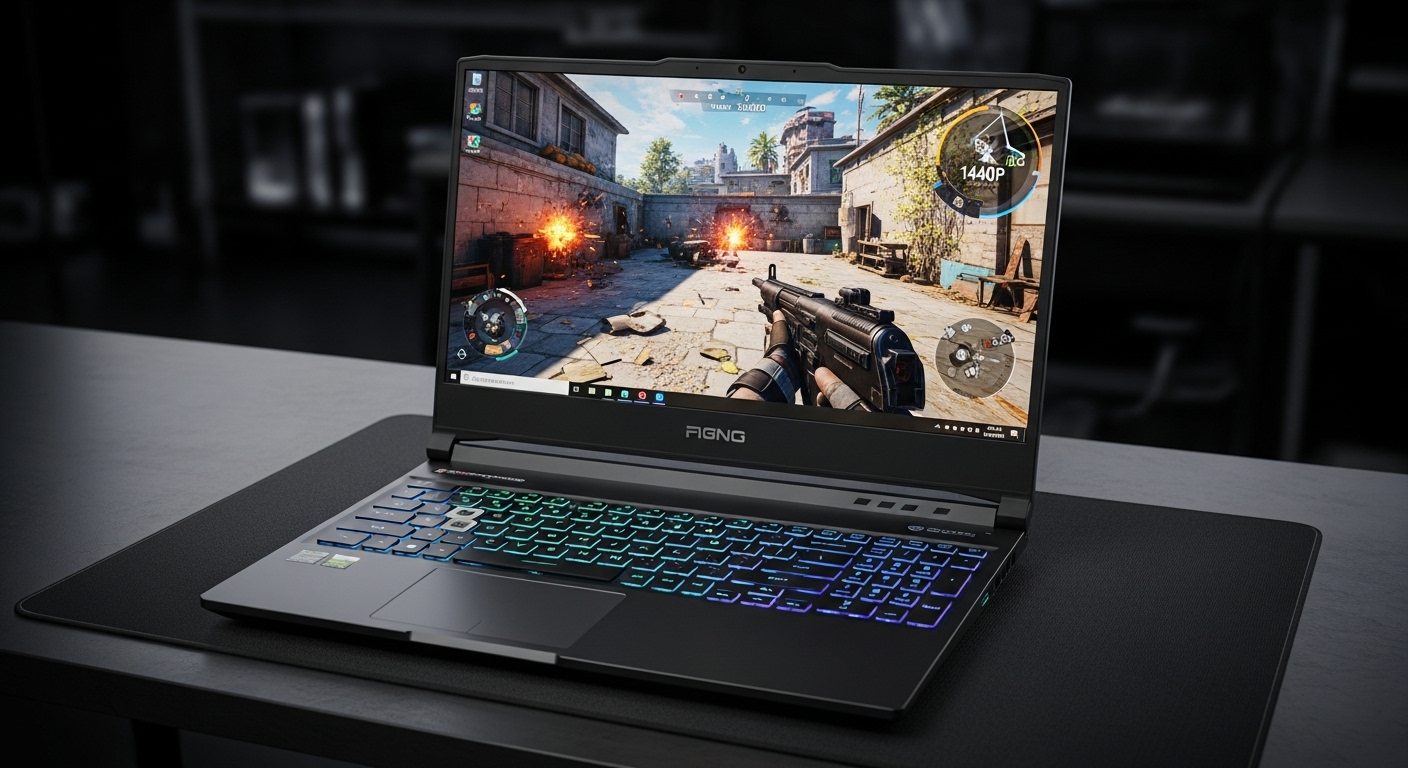
1440p is where games start looking really sharp—without the brutal performance hit of 4K. The best “1440p-ready” laptops usually hit the same formula: a modern RTX GPU, a solid cooling design, and a screen that’s fast enough to match real FPS (not just marketing numbers).
Affiliate Disclosure: As an Amazon Associate, I earn from qualifying purchases.
Note: Some of the laptops below ship with 16:10 1920×1200 (WUXGA) or 2560×1600 panels. Even when the built-in display isn’t exactly 1440p, these machines are in the performance tier that makes 1440p gaming realistic—especially if you use upscaling or plug into a 1440p monitor.
Top 5 Picks (Ranked)
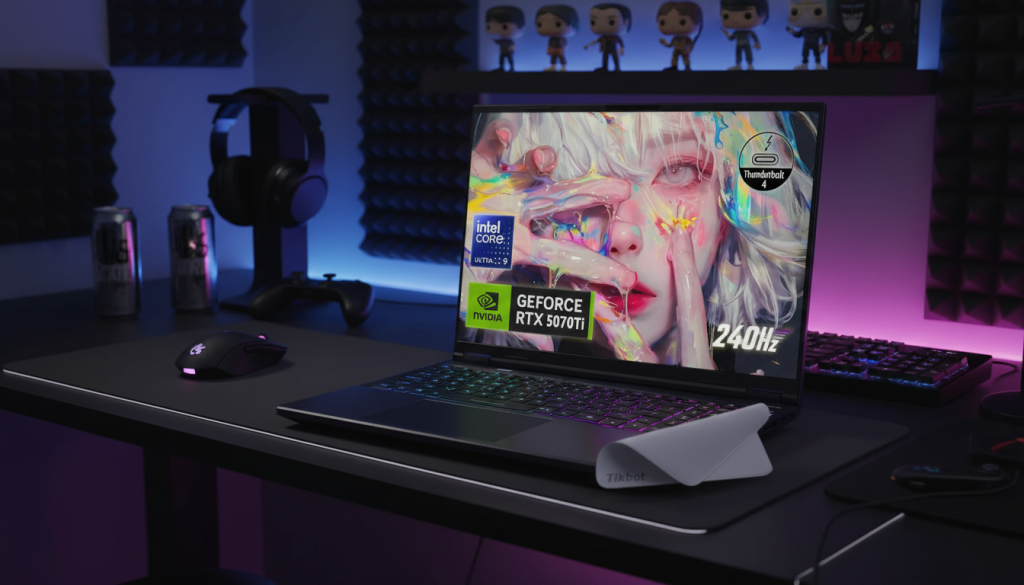
1) Acer Predator Helios Neo 16S — 16″ 2560×1600 OLED 240Hz, Intel Ultra 9 275HX, RTX 5070 Ti, 32GB/1TB
2) Acer Nitro V (ANV16-72-933F) — 16″ WUXGA IPS 180Hz, Intel Core 9 270H, RTX 5070, 32GB/1TB
3) GIGABYTE Gaming A16 — 16″ 1920×1200 165Hz, Intel i7-13620H, RTX 5070, 32GB/1TB
4) Acer Nitro V 16S — 16″ WUXGA IPS 180Hz, Intel Core 7 240H, RTX 5060 (GDDR7), 32GB/1TB
5) Acer Nitro V 16S — 16″ WUXGA IPS 180Hz, AMD Ryzen 7 “260”, RTX 5060, 32GB/1TB
What “1440p sweet spot” actually means (quick, practical)
A laptop is truly “1440p-ready” when it can deliver:
- High settings at QHD/QHD+ with stable frame pacing (not constant spikes and drops)
- Cooling that can sustain performance (boost is meaningless if it throttles after 10 minutes)
- A screen choice that makes sense:
- 2560×1600 is basically “1440p-class” for 16-inch 16:10 panels
- 1920×1200 can be a smart value play while still using a 1440p-capable GPU tier
Individual Reviews (honest, real-world style)
1) Acer Predator Helios Neo 16S (OLED 240Hz, RTX 5070 Ti)
What it feels like
This is the “I want the best screen and I don’t want compromises” pick. A 2560×1600 OLED at 240Hz is the kind of display that makes everything—games, movies, even desktop use—look and feel premium.
Highlights that matter
- OLED + 240Hz: incredible contrast and motion clarity
- QHD+ resolution (2560×1600): right in the 1440p-class sweet spot
- High-end CPU + RTX 5070 Ti tier: built for high settings and heavy games
Pros
- Best display experience in this list (sharp + fast + OLED contrast)
- Strong “high settings” capability at 1440p-class resolutions
- Great for gaming and creator workloads
Cons
- High performance usually comes with more heat and fan noise under load
- Premium-tier specs can be more than most people need if you mainly play esports
Best for
Players who want a top-tier screen and consistently strong performance for demanding games.
2) Acer Nitro V (Core 9 270H, RTX 5070, 180Hz)
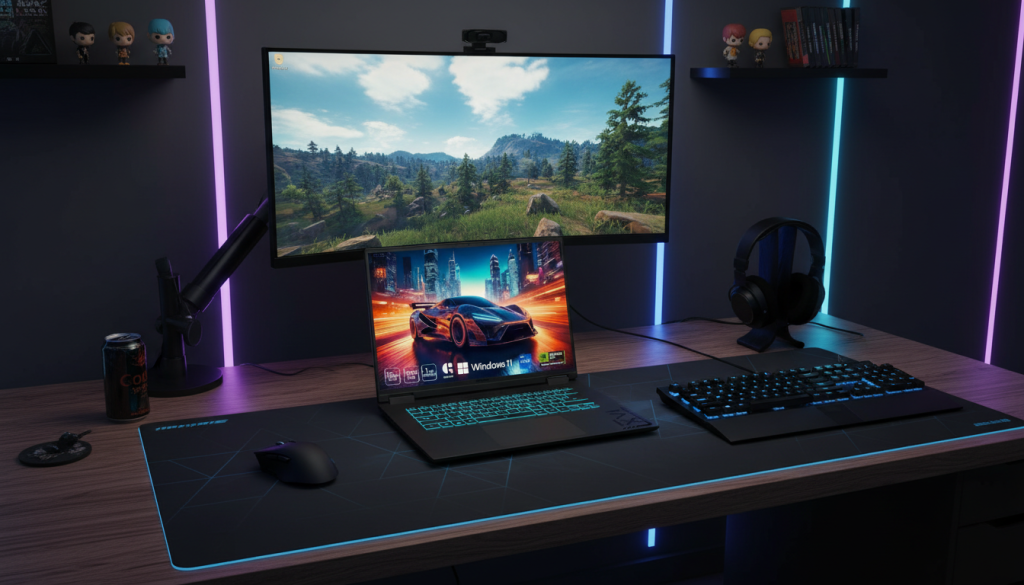
What it feels like
This is the practical “power first” option. The panel is 1920×1200, but the RTX 5070-class GPU is in the tier where 1440p gaming makes sense, especially with upscaling—or with an external 1440p monitor at your desk.
Highlights that matter
- RTX 5070-class GPU: strong headroom for modern titles
- 180Hz panel: great for fast games
- 32GB RAM + 1TB SSD: no “upgrade anxiety” for a long time
Pros
- Excellent performance tier for the money-minded gamer who still wants high settings
- High refresh rate pairs well with competitive titles
- Strong everyday spec balance (RAM + storage)
Cons
- Built-in resolution isn’t QHD—so you’re paying for GPU headroom you may not fully use on the internal screen (unless you run higher render scaling or use an external monitor)
- Like most gaming laptops, expect fans to be noticeable in performance mode
Best for
Gamers who want serious GPU headroom and may use a 1440p monitor at home.
3) GIGABYTE Gaming A16 (i7-13620H, RTX 5070, 165Hz)
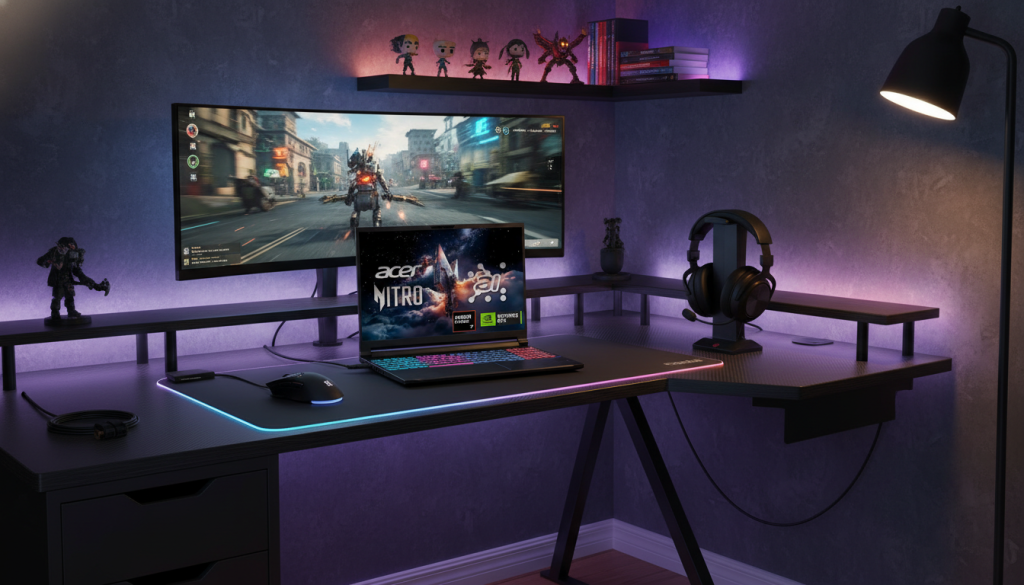
What it feels like
A straightforward high-FPS machine: strong CPU, strong GPU tier, and a 165Hz screen. Like #2, it’s a 1200p panel, but it’s still a 1440p-capable performance class when you use upscaling or an external QHD monitor.
Highlights that matter
- RTX 5070-class GPU for high settings capability
- 165Hz for smoother competitive gaming
- 32GB/1TB is an ideal “no regrets” baseline
Pros
- Strong “FPS-per-spec” vibe: you’re buying power where it counts
- Good for both esports and modern games at tuned settings
- Plenty of RAM/storage for multitasking + big installs
Cons
- 1200p internal panel may not fully showcase the GPU’s 1440p potential
- Cooling quality matters a lot in this performance tier—worth checking user feedback on sustained performance
Best for
Hybrid gamers who want a powerful laptop and might later pair it with a 1440p monitor.
4) Acer Nitro V 16S (Core 7 240H, RTX 5060 GDDR7, 180Hz)
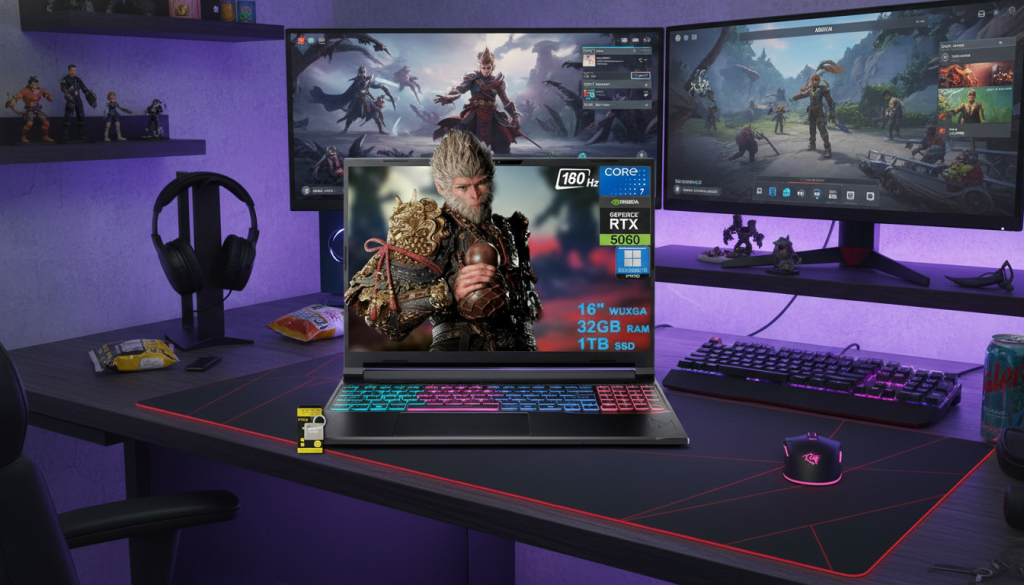
What it feels like
This is the “sweet-spot value” style pick: modern platform, fast screen, and a GPU tier that’s typically very comfortable for 1080p/1200p high refresh and 1440p with smart settings.
Highlights that matter
- RTX 5060-class GPU: strong midrange gaming tier
- 180Hz: excellent for shooters
- 32GB RAM + 1TB SSD: great long-term usability
Pros
- Likely the best balance if you care about value + modern features
- High refresh makes it feel fast in everyday play
- Plenty of memory/storage—great for multitasking and modern games
Cons
- 1200p internal screen isn’t “true 1440p,” so QHD gaming is more “external monitor / upscaling” territory
- Midrange GPUs still need tuned settings in heavy AAA games
Best for
Players who want great overall gaming now and the option to step into 1440p later without replacing the laptop.
5) Acer Nitro V 16S (Ryzen 7 “260”, RTX 5060, 180Hz)
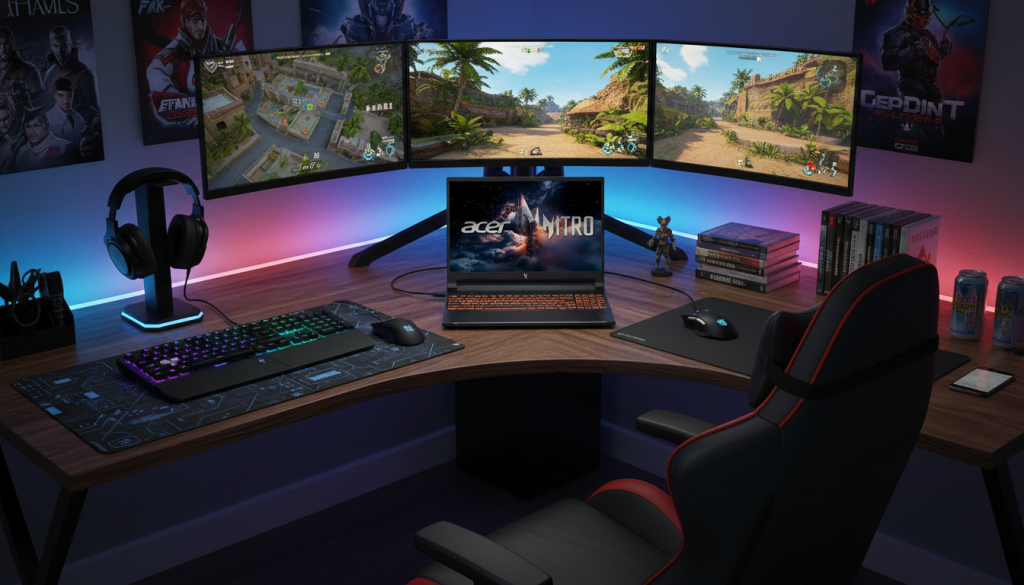
What it feels like
Very similar “sweet-spot” philosophy as #4, but on the AMD platform. With the same GPU tier and RAM/storage, the day-to-day experience is about thermals, fan tuning, and how the system is configured.
Highlights that matter
- RTX 5060-class GPU
- 180Hz 16-inch panel (1920×1200)
- 32GB/1TB baseline
Pros
- Strong spec balance for gaming + productivity
- Great for high-refresh esports and tuned AAA settings
- Storage and RAM are already where you want them
Cons
- Exact CPU naming/config details should be verified on the listing (AMD naming can be confusing in marketplace titles)
- Like any midrange gaming laptop, sustained performance depends on cooling and power limits
Best for
Someone who prefers an AMD-based system but wants the same practical RTX 5060-class gaming tier.
Comparison: Which one is the best buy?
If you want the best “true 1440p-class” experience on the built-in screen
✅ #1 Acer Predator Helios Neo 16S (2560×1600 OLED)
This is the only one here that clearly pairs a 1440p-class resolution with a premium panel.
If you want the best performance tier without jumping to ultra-premium
✅ #2 Acer Nitro V (RTX 5070) or #3 GIGABYTE A16 (RTX 5070)
Both give you strong GPU headroom for high settings—especially with upscaling or a QHD external monitor.
If you want the best “smart value” gaming laptop that still has a 1440p upgrade path
✅ #4 / #5 Acer Nitro V 16S (RTX 5060-class)
These are the most sensible picks if you want a strong all-around gaming experience now.
The optimal choice (overall winner)
✅ Acer Nitro V (Core 9 270H + RTX 5070, 32GB/1TB)
It hits the best “sweet spot” for most gamers: a powerful GPU tier for high settings, a fast screen for competitive play, and memory/storage that won’t feel outdated quickly.
Real-world tips to get “1440p feel” without overspending
- Use DLSS/FSR/XeSS in demanding games (often looks better than dropping settings everywhere)
- Cap FPS (60/90/120) to reduce heat and keep performance stable
- If your laptop has a 1200p screen, consider a 1440p monitor for desk play—your GPU tier will actually get used