What you give up (and what you don’t)
Budget gaming laptops have gotten way better. You can absolutely get smooth, satisfying gameplay today—especially at 1080p—without paying premium money.
The trade-off isn’t “can it game?” anymore. It’s how loud it gets, how nice the screen looks, and how long it stays fast when the laptop heats up.
Affiliate Disclosure: As an Amazon Associate, I earn from qualifying purchases.
What you don’t have to give up under $1,000
- Real 1080p gaming in esports titles (and many AAA games with tuned settings)
- High-refresh displays (165Hz is common in this tier)
- Modern upscaling features (DLSS/FSR) that help performance without trashing visuals
- Enough CPU power for gaming + multitasking
What you usually do give up
- Quiet fans under load (budget laptops often get loud in performance mode)
- Premium display quality (brightness, color accuracy, HDR—often average)
- All-metal build feel (more plastic, more flex)
- Consistent top performance if cooling is limited (some models throttle after long sessions)
- Long unplugged gaming (gaming on battery is still short)
Top Picks (Ranked)
1) NIMO 17.3″ FHD Gaming Laptop — Ryzen 7 7735HS, Radeon 680M, 1TB SSD
2) Acer Nitro V 15 — Core i5-13420H, RTX 5050, 15.6″ FHD 165Hz
3) NIMO 15.6″ Light-Gaming Laptop — Ryzen 7 8745HS, Radeon 780M, 16GB DDR5
4) Acer Nitro V — Core i7-13620H, RTX 4050, 15.6″ FHD 165Hz, 1TB SSD
Reviews (real-world, honest expectations)
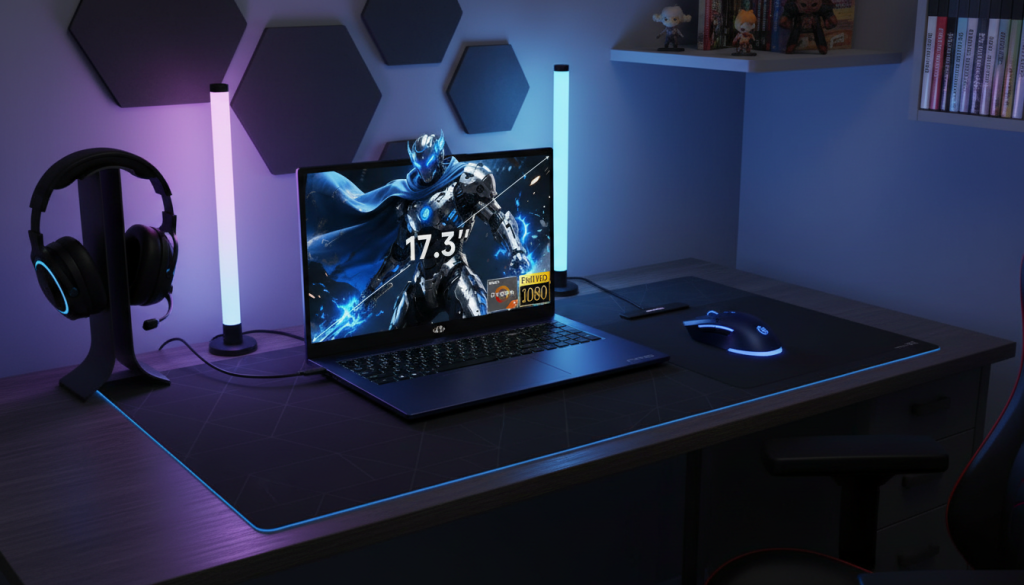
1) NIMO 17.3″ — Ryzen 7 7735HS + Radeon 680M (Big screen value pick)
Who it’s for
You want the largest screen possible for the money, mostly play esports / lighter games, and care about comfort (bigger UI, easier reading, better multitasking).
What it does well
- The 17.3″ display is a real quality-of-life upgrade for school/work + gaming
- Ryzen 7 HS-class CPUs are generally great for everyday responsiveness
- 1TB storage helps you avoid constantly uninstalling games
What you give up
- With integrated graphics (Radeon 680M), you’re choosing “light-to-medium gaming” instead of max settings in demanding AAA games
- Big chassis typically isn’t as backpack-friendly, and battery life can vary
Pros
- Best option here for big-screen productivity + casual gaming
- Good storage headroom for installs and files
- Usually quieter in basic tasks than dGPU gaming laptops
Cons
- Not the strongest for modern AAA at high settings
- If you want “turn it to High and forget it,” you’ll want a dedicated GPU laptop instead
My take: This is the “comfortable daily laptop that can game” pick—especially if you value screen size over raw FPS.
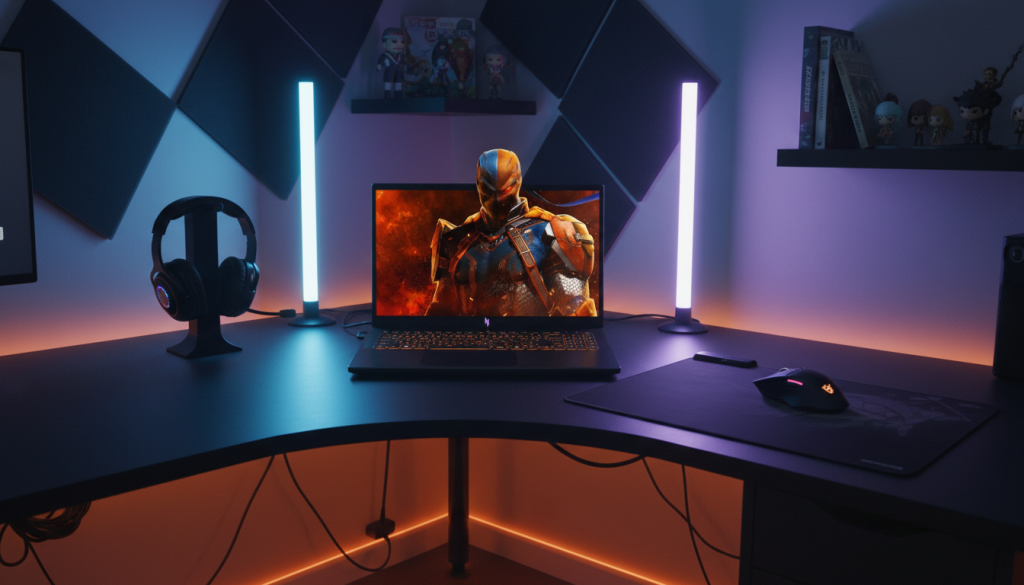
2) Acer Nitro V 15 — Core i5 + RTX 5050 (Entry dGPU gaming done right)
Who it’s for
You want a true gaming laptop with a dedicated GPU and a fast screen, primarily for 1080p gaming.
What it does well
- Dedicated RTX graphics is the big step up: better FPS, better settings, and more future-proofing than iGPU-only
- 165Hz makes shooters and fast games feel noticeably smoother
What you give up
- Budget gaming laptops often run hotter and louder when pushed
- Build and speakers/trackpad often feel “fine” rather than premium
Pros
- High-refresh 1080p gaming experience
- Dedicated GPU gives you far more headroom than integrated graphics
- Great for esports, and solid for modern games with tuned settings
Cons
- Expect noticeable fan noise in performance modes
- Storage can feel tight if you install a lot of big games (manageable, just plan for it)
My take: If you want the clearest upgrade path from “regular laptop” to “real gaming,” this is the type of spec combo that delivers.
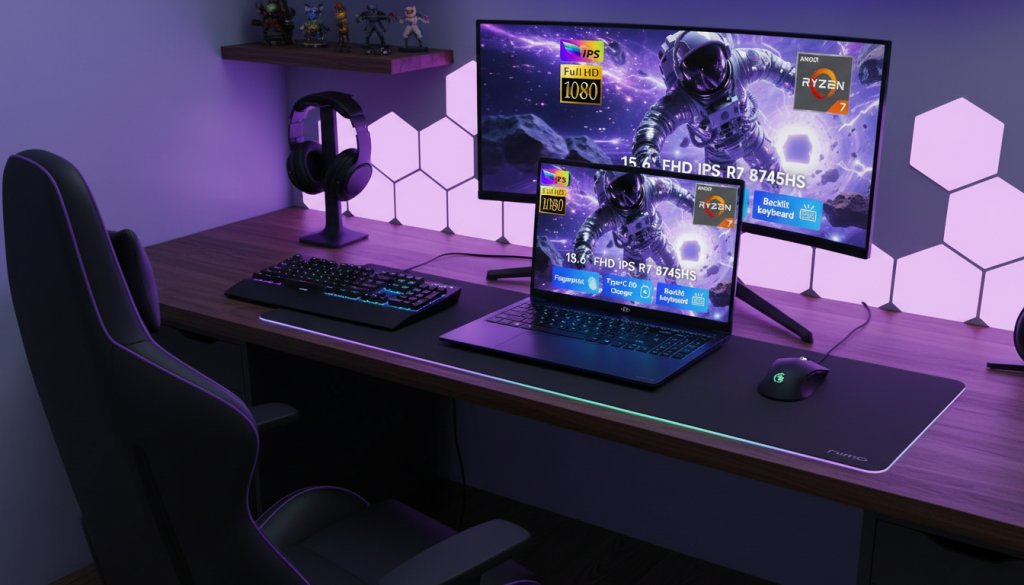
3) NIMO 15.6″ — Ryzen 7 8745HS + Radeon 780M (Best “hybrid” budget pick)
Who it’s for
You want one laptop that behaves nicely for work/school, stays efficient, and still plays games well—especially esports at 1080p.
What it does well
- Radeon 780M is one of the strongest integrated graphics options for gaming laptops that don’t have a dedicated GPU
- DDR5 memory helps iGPU performance and keeps the system feeling snappy
- Often a better “daily carry” vibe than bulkier gaming rigs (depending on chassis)
What you give up
- You still won’t get the same AAA performance as a dedicated RTX laptop at higher settings
- Some games will need low/medium settings, upscaling, or FPS caps to stay smooth and cool
Pros
- Best balance of daily use comfort + gaming capability in this list
- Great for esports and lighter-to-medium games at 1080p
- Typically more battery-friendly than a full dGPU gaming laptop
Cons
- Not the best choice if you mainly play heavy AAA games at high settings
- Integrated graphics means less headroom for future demanding titles
My take: For most “hybrid users” under $1,000, this is the sweet spot—especially if you game a few nights a week but live in productivity apps daily.
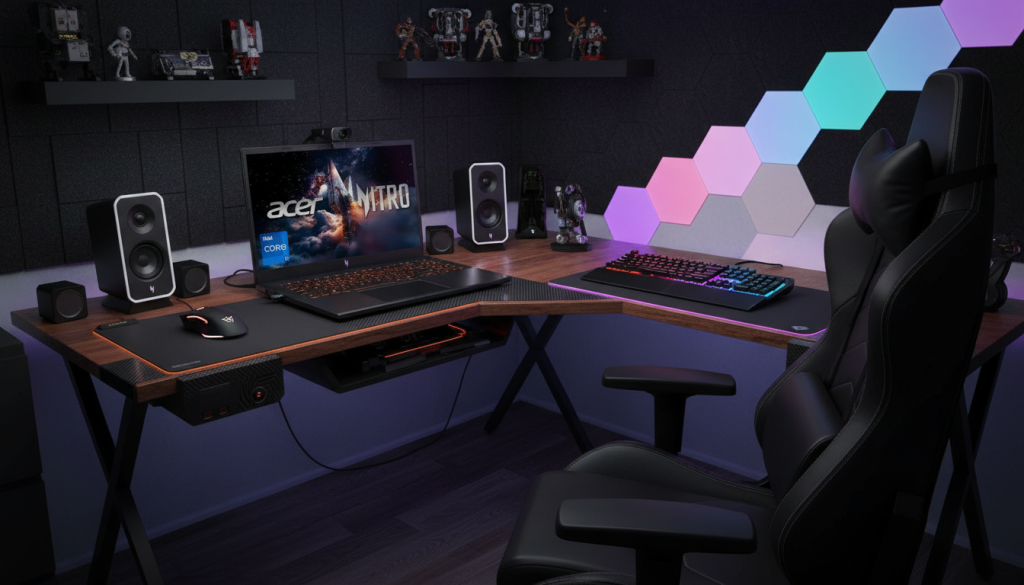
4) Acer Nitro V — Core i7 + RTX 4050 (Best overall gaming performance)
Who it’s for
You want the strongest gaming performance here for modern titles at 1080p, plus competitive smoothness on a 165Hz panel.
What it does well
- RTX 4050-class laptops are typically a strong 1080p tier (especially with upscaling support)
- i7-class CPU helps with higher FPS targets and smoother “1% lows” in some games
- 1TB SSD is a huge practical advantage in this category
What you give up
- Like most budget gaming laptops, you trade some refinement for performance: fan noise and chassis warmth can be part of the deal
- It may not feel as “sleek” as a premium thin-and-light
Pros
- Best pick here for AAA gaming headroom
- 165Hz is excellent for shooters and fast action games
- 1TB storage = fewer compromises
Cons
- Expect fans to be noticeable under sustained load
- Battery gaming still isn’t a “thing” (plug in for best experience)
My take: If your priority is performance—especially for modern games—this is the most straightforward winner.
Which one is the optimal choice?
✅ Best overall budget gaming laptop: Acer Nitro V (Core i7 + RTX 4050)
It delivers the best “does everything well” package: strong 1080p performance, a fast screen, and enough storage to stay comfortable long-term.
✅ Best hybrid (work-first, game-after): NIMO 15.6″ (Ryzen 7 + Radeon 780M)
If you’re mostly in productivity apps and want gaming as a bonus, this is the most balanced, daily-friendly option.
✅ Best big-screen comfort: NIMO 17.3″ (Ryzen 7 + Radeon 680M)
Perfect if you value a large display for work and casual gaming more than max FPS.
How to get the most out of a budget gaming laptop (without wasting money)
- Cap FPS (60 for story games, 120/144 for esports) → lowers heat, lowers noise, feels smoother
- Use Balanced/Silent mode for work; save Performance/Turbo for gaming
- Turn on DLSS/FSR/XeSS when available → free FPS with minimal visual loss
- Aim for 16GB RAM minimum for modern gaming + multitasking
- Keep at least 15–20% SSD free to avoid slowdowns over time