Which is better for Photoshop, Premiere, and 3D workflows?
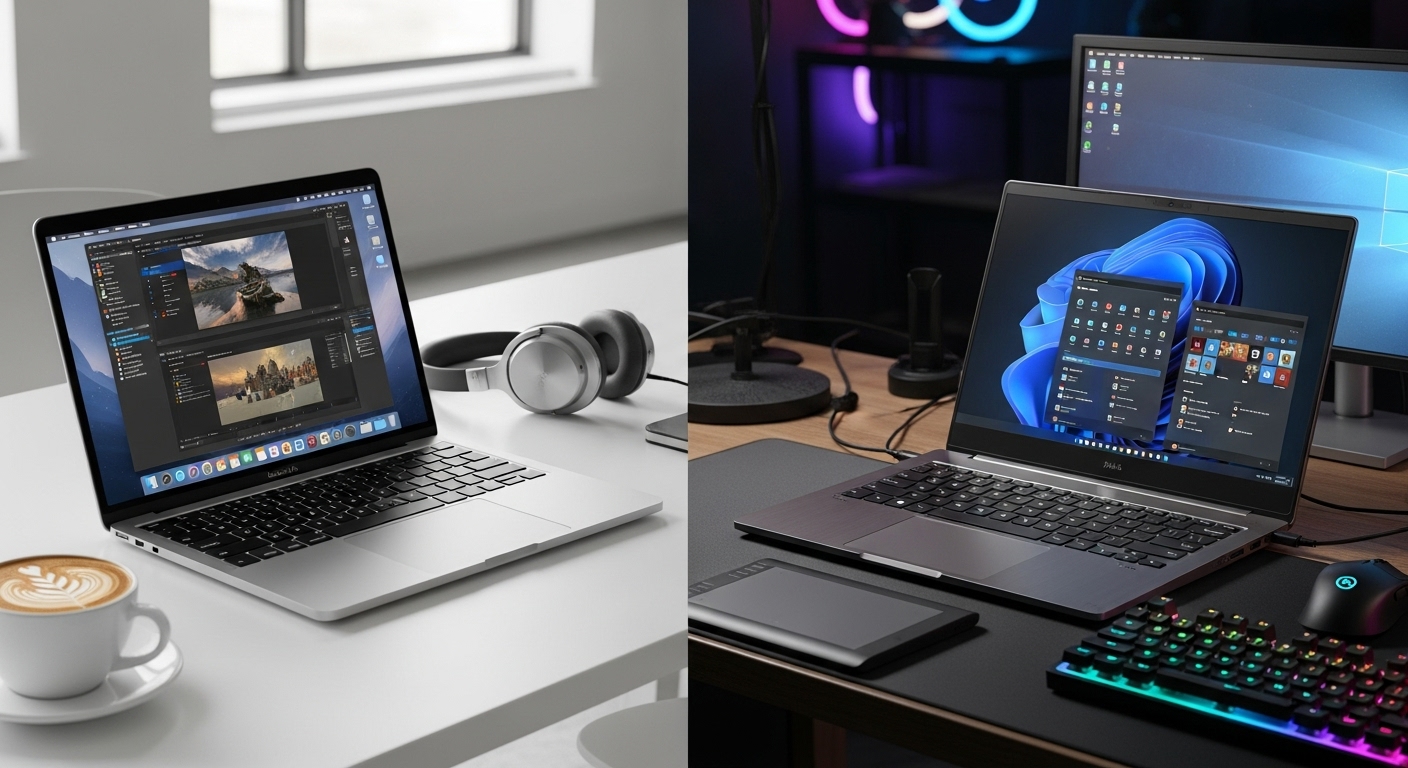
If you’re buying a “creator laptop,” the real question isn’t Mac vs Windows. It’s what you create, how you work, and what annoys you the most: export times, color accuracy, driver weirdness, fan noise, upgrade limits, or app compatibility.
This guide breaks down the pros/cons of each (clearly), then compares them for Photoshop, Premiere Pro, and 3D, and finishes with the most practical “best choice” depending on your workflow.
Quick definitions (so we’re comparing the right things)
- MacBook Pro here means modern Apple Silicon (M-series) MacBook Pro models.
- Windows creator laptop means a well-specced Windows laptop built for creative work (often with an NVIDIA RTX GPU, strong CPU, good cooling, and a high-quality display).
1) MacBook Pro (Apple Silicon)
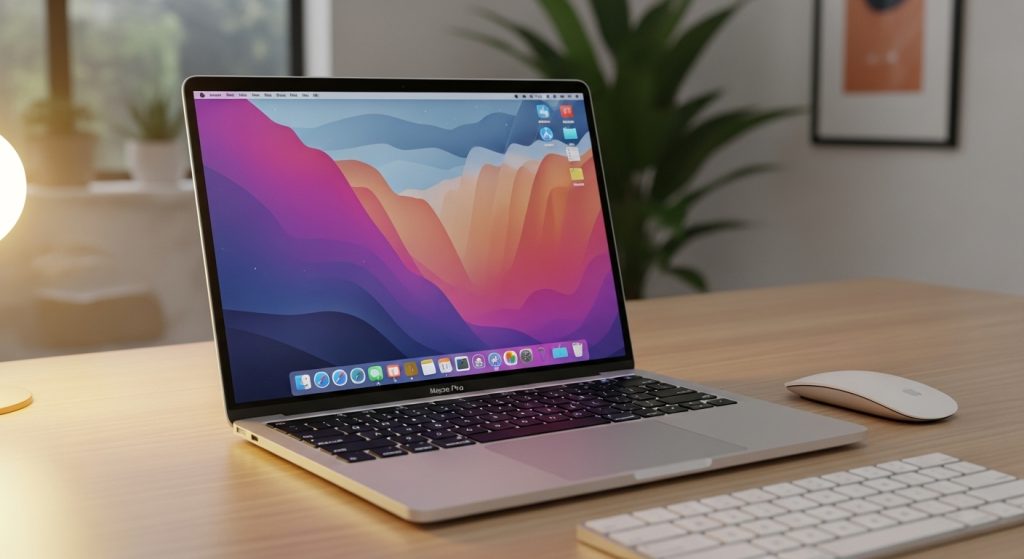
Pros (what it does extremely well)
✅ Battery life + unplugged performance
MacBook Pro stays fast on battery far better than most Windows laptops. If you work on the go (coffee shops, travel, client sites), this is a major advantage.
✅ Display and color workflow (easy mode)
MacBook Pro displays are typically excellent for creators—great brightness, contrast, and consistent calibration. For Photoshop and video grading, that “trust the screen” feeling matters.
✅ Quiet, stable performance
For many creative tasks, MacBook Pro runs cooler and quieter than high-power Windows laptops, especially in lighter-to-medium workloads.
✅ Smooth overall experience (creative daily driver)
macOS tends to feel consistent: trackpad, sleep/wake, color management, and app integration. For many creators, it’s simply less friction.
Cons (what can be limiting)
❌ 3D + GPU-specific workflows can be a dealbreaker
A lot of 3D pipelines (and many studios) still lean heavily on:
- NVIDIA CUDA acceleration
- specific GPU renderer support
- Windows-first plugins and tools
If your work depends on these, Windows with RTX often makes more sense.
❌ Limited upgrade path
You’re locked into your RAM/storage choice at purchase. If your workload grows, you can’t “fix it later” with upgrades.
❌ Gaming and some niche software support
Not always relevant to creators, but some tools or workflows are simply easier on Windows.
❌ External monitor / scaling quirks (sometimes)
Most people are fine, but multi-monitor setups and specific color workflows can occasionally be easier to tune on Windows—especially if you’re mixing different displays and calibration hardware.
2) Windows Creator Laptop (RTX-based)
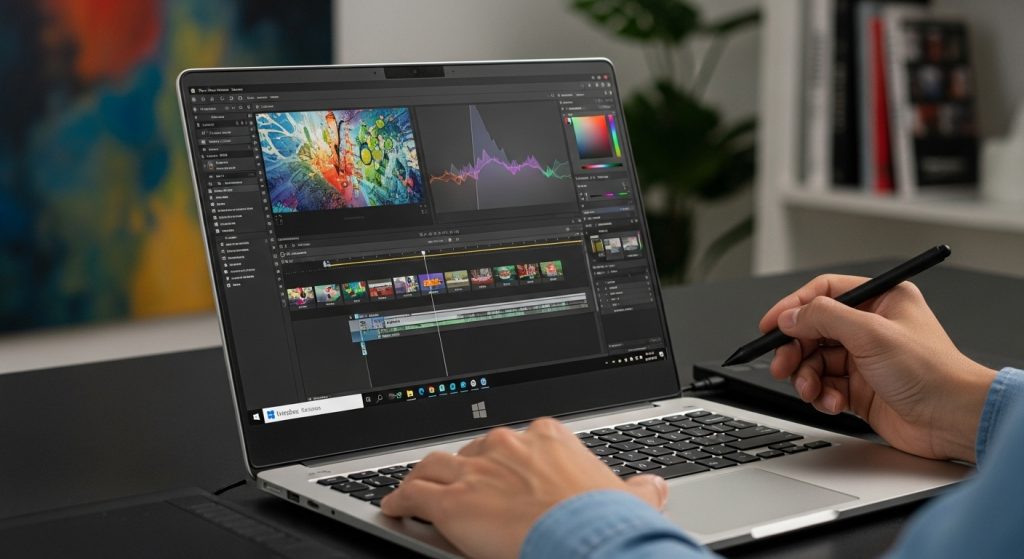
Pros (what it does extremely well)
✅ Best choice for 3D (especially with NVIDIA RTX)
For Blender, Unreal, many renderers, and GPU-accelerated pipelines, RTX laptops often win because:
- CUDA/OptiX support is widely used
- VRAM matters, and dedicated GPUs scale well
- Many pro 3D tools are optimized for this ecosystem
✅ More hardware choice (you can buy for your exact workflow)
You can choose:
- GPU tier (VRAM amount)
- CPU class (high-core for exports, high single-core for CAD)
- screen type (OLED, mini-LED, 4K, 1600p, etc.)
- port selection and upgradeability (varies by model)
✅ Upgrade options (on some models)
Some creator laptops allow SSD upgrades, and a few allow RAM upgrades. That flexibility can save money long-term.
✅ Better compatibility for mixed production pipelines
If you collaborate in studios or with teams using Windows tools/plugins, it often reduces compatibility headaches.
Cons (what can be annoying)
❌ Battery life and “performance on battery” is usually worse
Many Windows creator laptops drop performance noticeably when unplugged, especially RTX models.
❌ Heat and fan noise can be real
High performance often means more heat. Under sustained exports or 3D renders, fans can get loud unless the laptop has excellent cooling.
❌ More variability (quality depends heavily on the specific laptop)
Two Windows creator laptops can feel completely different. The best are incredible; the mediocre ones can throttle, run hot, or have poor screens.
❌ Driver/firmware management can be more hands-on
Not always a problem, but some users will occasionally deal with driver updates, GPU switching behavior, or performance profile tuning.
Head-to-head: Photoshop, Premiere, and 3D
Photoshop (winner depends on your style)
MacBook Pro is best if you:
- care about color consistency and display quality
- do lots of layered work but not extremely VRAM-heavy workflows
- want quiet operation and great battery life
Windows creator laptop is best if you:
- use Photoshop alongside heavy 3D or GPU tasks
- need specific Windows-only plugins or a mixed pipeline
- want more hardware options (bigger screens, more ports, upgradeable storage)
Reality: For pure Photoshop work, most creators prefer MacBook Pro for the “it just feels good” factor—especially screen + trackpad + battery.
Premiere Pro (depends on footage type + effects)
MacBook Pro is best if you:
- want smooth editing on battery
- work with common codecs and want a stable experience
- prioritize a quiet system and consistent performance
Windows creator laptop is best if you:
- need maximum performance under heavy GPU effects
- want CUDA-accelerated workflows (often helpful)
- do lots of demanding timelines and want maximum headroom with a strong RTX GPU
Reality: Premiere can run great on both. If you’re doing heavy effects, multi-cam, or long 4K/6K timelines, RTX-based Windows laptops often give more raw headroom. But MacBook Pro often wins in efficiency and consistency.
3D Workflows (most of the time: Windows wins)
Windows creator laptop is typically better for:
- Blender GPU rendering (CUDA/OptiX-heavy workflows)
- Unreal Engine workflows
- 3D pipelines that depend on NVIDIA-specific acceleration
- scenes that need lots of VRAM
MacBook Pro is better for:
- creators who do occasional 3D but mostly 2D/video
- workflows that are optimized for macOS
- people who want portability + battery life above all
Reality: If 3D is a core part of your income and you rely on GPU rendering, Windows RTX laptops are usually the safer choice.
The “Big 4” deciding factors (fast)
Choose MacBook Pro if your priority is:
- Battery life and portability
- Color-accurate display out of the box
- Quiet, consistent performance
- Mostly Photoshop + Premiere, with light/occasional 3D
Choose a Windows creator laptop if your priority is:
- Best 3D / CUDA / RTX workflows
- VRAM and GPU rendering performance
- More hardware choice and sometimes upgradeability
- Better compatibility with Windows-heavy pipelines
Optimal choice (what I’d recommend to most people)
✅ If your work is mostly Photoshop + Premiere (and 3D is occasional): MacBook Pro
It’s the best “creator daily driver” because it’s consistent, portable, quiet, and the screen is typically excellent.
✅ If 3D is a serious part of your workflow (Blender/Unreal/GPU rendering): Windows Creator Laptop (RTX)
The combination of RTX acceleration, VRAM, and ecosystem support usually makes it the safer professional tool.
Final verdict (simple)
- Best all-around creator experience: MacBook Pro
- Best for serious 3D workflows: Windows Creator Laptop with RTX